
Imagine your internet signal is like a bunch of friends playing “telephone” — where one whispers to the next. Now imagine those friends are connected with wires. That’s basically a wired mesh network! It might sound technical, but it’s actually simple and super useful.
TLDR
A wired mesh network is a smart way to connect devices using physical cables so your signal is strong and steady. It’s great for places where Wi-Fi is spotty. Mesh networks can route data in multiple ways, so there’s no single point of failure. They’re perfect for homes, offices, and even outdoor areas needing strong connectivity.
What Is a Wired Mesh Network?
A wired mesh network connects multiple devices using Ethernet cables. It creates a web — like a spider’s web — where all parts talk to each other. This helps keep the signal strong, even if one part fails.
Unlike a traditional setup where one router is the boss, in a mesh network, every device (we call these nodes) can pass along data. It’s a team effort. Nobody’s hogging the control.
Why Use a Wired Mesh?
Here’s why a wired mesh network is awesome:
- More reliable: Cables don’t get blocked by walls or microwaves like Wi-Fi does.
- Faster speeds: Direct connections mean less lag and buffering.
- Better coverage: Spread out the nodes and you’re golden. No dead zones.
- Self-healing: If one node stops working, your data reroutes automatically.
Wired vs Wireless Mesh
So, should you go wired or wireless? Let’s break it down.
| Wired Mesh | Wireless Mesh | |
|---|---|---|
| Speed | Super fast and stable | Fast, but can slow down with interference |
| Reliability | Very consistent | Depends on signal strength |
| Setup | Needs cables | Easy plug and play |
| Cost | Buying cables can add up | Usually simpler, but slightly more expensive nodes |
If you want top performance and aren’t afraid of some cables, wired is the way to go.
How Does It Work?
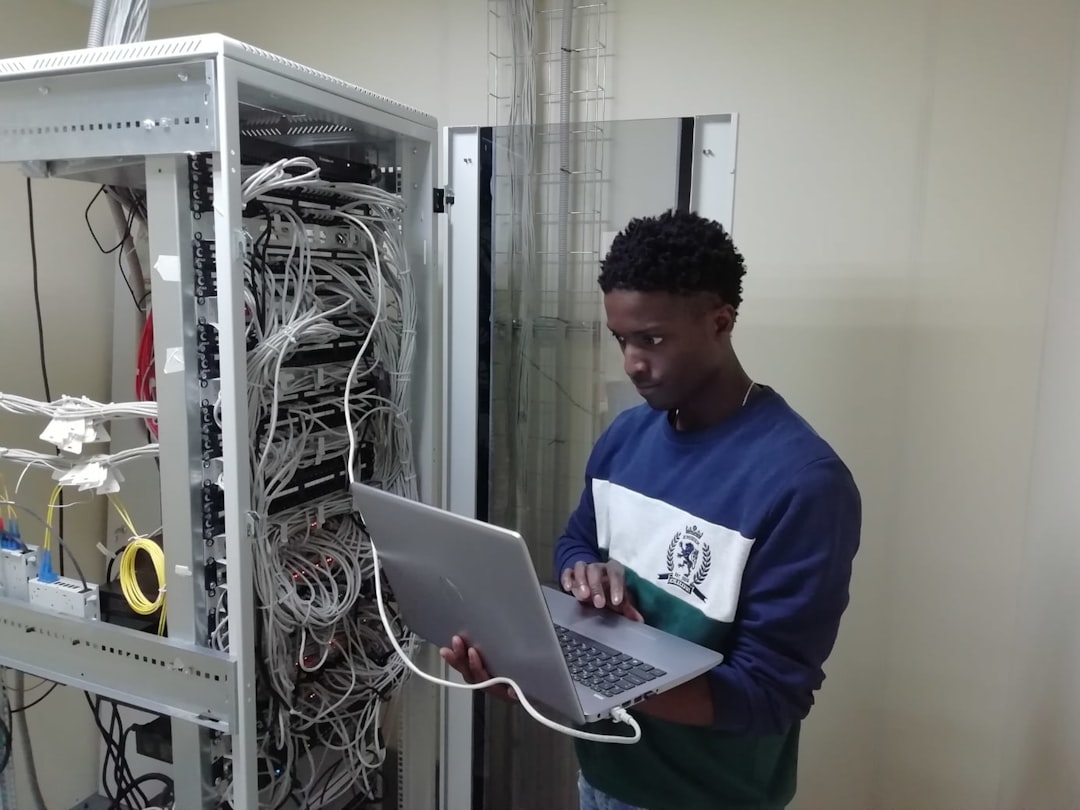
Each node in a wired mesh network is connected through Ethernet cables. These nodes communicate with each other, passing data back and forth. Think of it like a network of highways, with each node being an exit ramp.
You set up multiple nodes around your space — home, office, warehouse, wherever — and connect them physically. They talk to each other and spread the internet love.
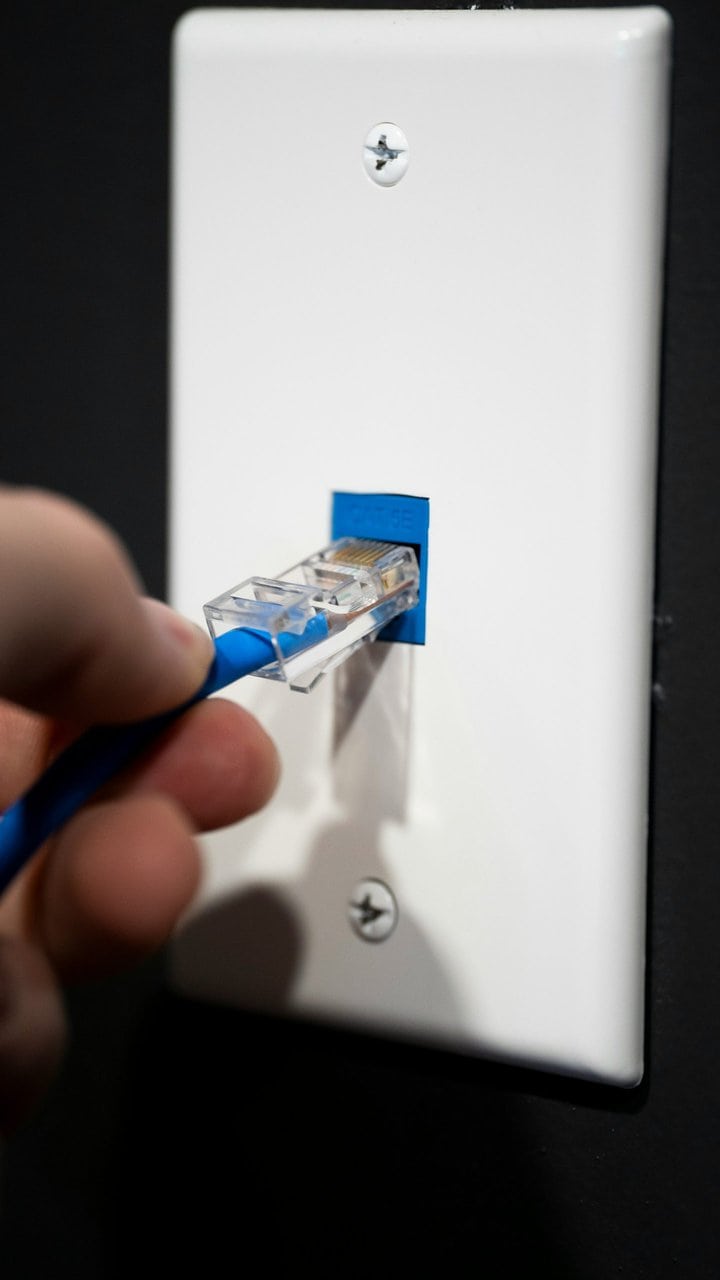
Here’s a quick step-by-step:
- Connect your modem to the main node with an Ethernet cable.
- Wire additional nodes to this hub using more cables.
- Place them around the space to ensure max coverage.
- Configure one system to manage them all — no jumping from one router to another!
Best Times to Use a Wired Mesh Network
Wired mesh isn’t just for tech wizards. It’s for anyone who needs solid connectivity. Here are a few situations where it works best:
- Big homes with thick walls or multiple floors
- Offices where everyone needs a reliable connection
- Game streamers or remote workers needing zero lag
- Smart homes with tons of connected devices
- Outdoor spaces like gardens, patios, or yards
Basically, anywhere Wi-Fi gets weak, a wired mesh comes to the rescue.
Pros and Cons
Pros
- Incredible speed and stability: No buffering or dropped connections.
- No dead zones: You’re covered from attic to basement.
- Self-routing: System finds the best path for your data to travel.
- Secure: Physical wires are harder to hack than wireless signals.
Cons
- Wiring needed: You’ll have to deal with cables — under the carpet or through the walls.
- Cost: Cables and installation can be extra.
- Not portable: Once set up, it’s not easy to move everything around.
Popular Wired Mesh Network Systems
You might already know some cool kits. Here are a few well-known names:
- Netgear Orbi: High-speed and sleek design.
- Google Nest Wifi Pro (with Ethernet): Easy setup, smart controls.
- TP-Link Deco: Great for combining wired and wireless mesh.
- Ubiquiti UniFi: Best for offices and large networks.
All of these support Ethernet backhaul — that’s just a fancy term for connecting mesh units with cables.
Tips for Setting Up
Don’t worry — you don’t need to be a tech genius. Here are some quick tips:
- Plan your cable routes in advance.
- Use flat or wall-mountable Ethernet cables to keep it tidy.
- Label your nodes — makes troubleshooting easier.
- Keep the main node near your modem.
- Test each node as you go.
Oh, and don’t forget to secure your network with passwords and encryption settings. Safety first!
Wired Mesh for Businesses
If you’re running a business — even a small one — having a solid connection is key. No one likes frozen Zoom calls or glitchy downloads.
Businesses benefit from:
- Consistent speeds for all employees
- Safe data transmission via wires
- Scalability: Need more coverage? Add a new node. Easy.
And for cafés, event centers, or coworking spaces — it means happy customers who get fast, reliable Wi-Fi every time.

Should You Go Mesh?
So, is a wired mesh network right for you? If you’re constantly battling poor Wi-Fi, dropped calls, or laggy streams — the answer is yes!
You get the best of both worlds: wired strength with the flexibility of mesh design. It takes some effort to set up, but the results are totally worth it.
Wrap-Up
A wired mesh network is like giving your home or office internet a major upgrade. It’s fast, reliable, smart, and kinda cool. Whether you live in a mansion or just want zero lag on your next video call, it’s a game-changer.
Skip the signal dance. Plug in, mesh up, and stay connected — everywhere.