
Your phone is a tiny computer with a bright screen, a battery, a radio, a camera, and a small brain that never stops thinking. So when you plug it in, a little warmth is normal. But if it feels like a fresh pancake off the pan, you may wonder, “Is my phone okay?” Good question.
TLDR: Your phone gets hot while charging because energy is moving into the battery, and some of that energy turns into heat. Fast charging, thick cases, hot rooms, and using the phone while it charges can make it warmer. A little warmth is normal. Very high heat, swelling, burning smells, or sudden shutdowns are warning signs.
First, a little heat is normal
Charging is not magic. It is science in a tiny box.
When you plug in your phone, electricity flows from the charger into the battery. The battery stores that energy for later. But no system is perfect. Some energy becomes heat. That is why your phone can feel warm.
Think of it like rubbing your hands together. You are using energy. Your hands get warm. Your phone is doing something similar, but with electrons instead of palms.
So yes, a warm phone is usually fine. A hot phone is different. Warm is “cozy.” Hot is “ouch, why is my pocket cooking?”
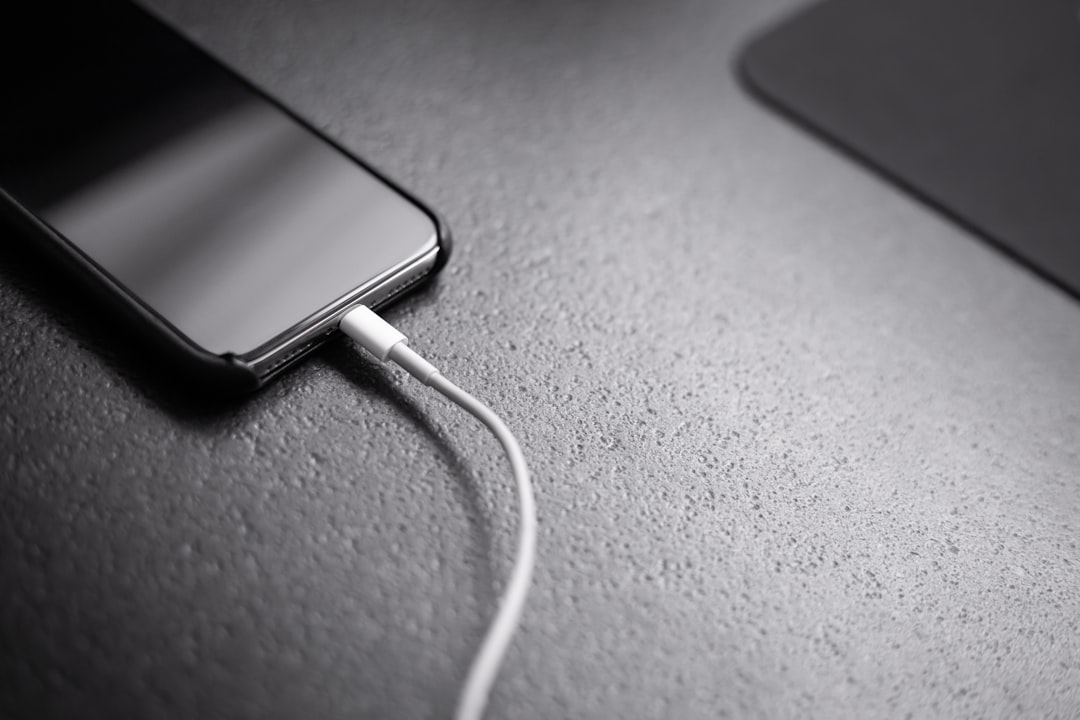
Why your phone gets hot when charging
There are several common reasons. Most are not scary. Some need attention.
1. Fast charging creates more heat
Fast charging is like filling a bathtub with a fire hose. It works quickly. But it puts more stress on the system.
Modern phones are clever. They control how fast power enters the battery. They slow down when needed. Still, faster charging often means more heat.
This is why your phone may get warmer with a high power charger than with an older, slower one.
- Slow charger: Cooler, but takes longer.
- Fast charger: Quicker, but can be warmer.
- Wireless charger: Handy, but often warmer too.
2. Wireless charging wastes more energy
Wireless charging feels futuristic. You drop your phone on a pad. Boom. Power.
But wireless charging is less efficient than a cable. Some energy gets lost between the charging pad and the phone. That lost energy turns into heat.
If the phone is not lined up well on the pad, it can get even hotter. The charger keeps trying harder. Your phone becomes the unwilling star of a tiny heat show.
3. You are using it while charging
This is a big one.
If you charge your phone while watching videos, gaming, using maps, or scrolling social media, your phone is doing two jobs at once.
It is charging the battery. It is also running apps. The screen is on. The processor is working. The internet connection is active. The battery may be charging and draining at the same time.
That creates heat from both sides.
It is like trying to eat soup while jogging. Technically possible. Not very graceful.
4. Your phone case traps heat
Phone cases are great. They protect your phone from drops, scratches, and the mysterious danger of “oops.”
But thick cases can trap heat. Rubber, leather, and bulky cases hold warmth close to the phone. That makes cooling harder.
If your phone gets hot while charging, take the case off for a while. Give it some air. Let it breathe like a tiny robot at the beach.
5. The room is already hot
Your phone cools itself by sending heat into the air around it. If the air is hot, cooling becomes harder.
Charging on a bed, under a pillow, in sunlight, or inside a hot car is a bad idea. Very bad.
A phone battery likes normal room temperature. It does not like saunas. It does not like dashboards. It does not like being buried under blankets like a sleepy burrito.
6. Background apps are busy
Sometimes your phone is working even when you are not touching it.
Apps may be updating. Photos may be syncing. Videos may be uploading. The phone may be backing up files. Location services may be running.
All that work uses power. More power means more heat.
If your phone gets warm often, check the battery settings. Most phones show which apps use the most energy. If one app is acting wild, you will see it there.
7. Your charger or cable might be poor quality
Not all chargers are equal.
A cheap or damaged charger may send unstable power. A bad cable may create resistance. Resistance creates heat. That heat can appear near the charger, cable, port, or phone.
Use a charger from a trusted brand. Use the right cable. If the cable is frayed, bent, cracked, or smells odd, replace it.
Your phone deserves better than a cable that looks like it survived a dragon attack.
8. The charging port may be dirty
Pocket lint is sneaky. It hides in charging ports. Dust and dirt can also collect there.
A dirty port can cause a weak connection. The phone may charge slowly. The plug may wiggle. Heat may build up.
If you see lint, be careful. Do not jab metal objects inside the port. That can damage parts. Use a soft brush or ask a repair shop for help.
9. The battery may be aging
Phone batteries do not last forever. They age with each charge cycle. Over time, they hold less power. They may also heat up more easily.
If your phone is several years old and gets hot often, the battery may be tired.
Other clues include:
- The battery drains very fast.
- The phone shuts down at 20% or 30%.
- The battery percentage jumps around.
- The back of the phone is bulging.
- The phone gets hot even during simple tasks.
A swollen battery is serious. Stop using the phone and get help from a repair professional.
When should you worry?
Warm is normal. Hot is not always normal.
You should take action if:
- The phone is too hot to hold.
- You see a heat warning on the screen.
- The phone shuts down while charging.
- The battery or back cover is swelling.
- You smell burning, chemicals, or smoke.
- The charger or cable is extremely hot.
- The phone heats up every time, even when idle.
If any of these happen, unplug the phone. Put it on a cool, hard surface. Do not put it in the fridge. That can cause moisture inside the phone. Moisture and electronics are not friends.
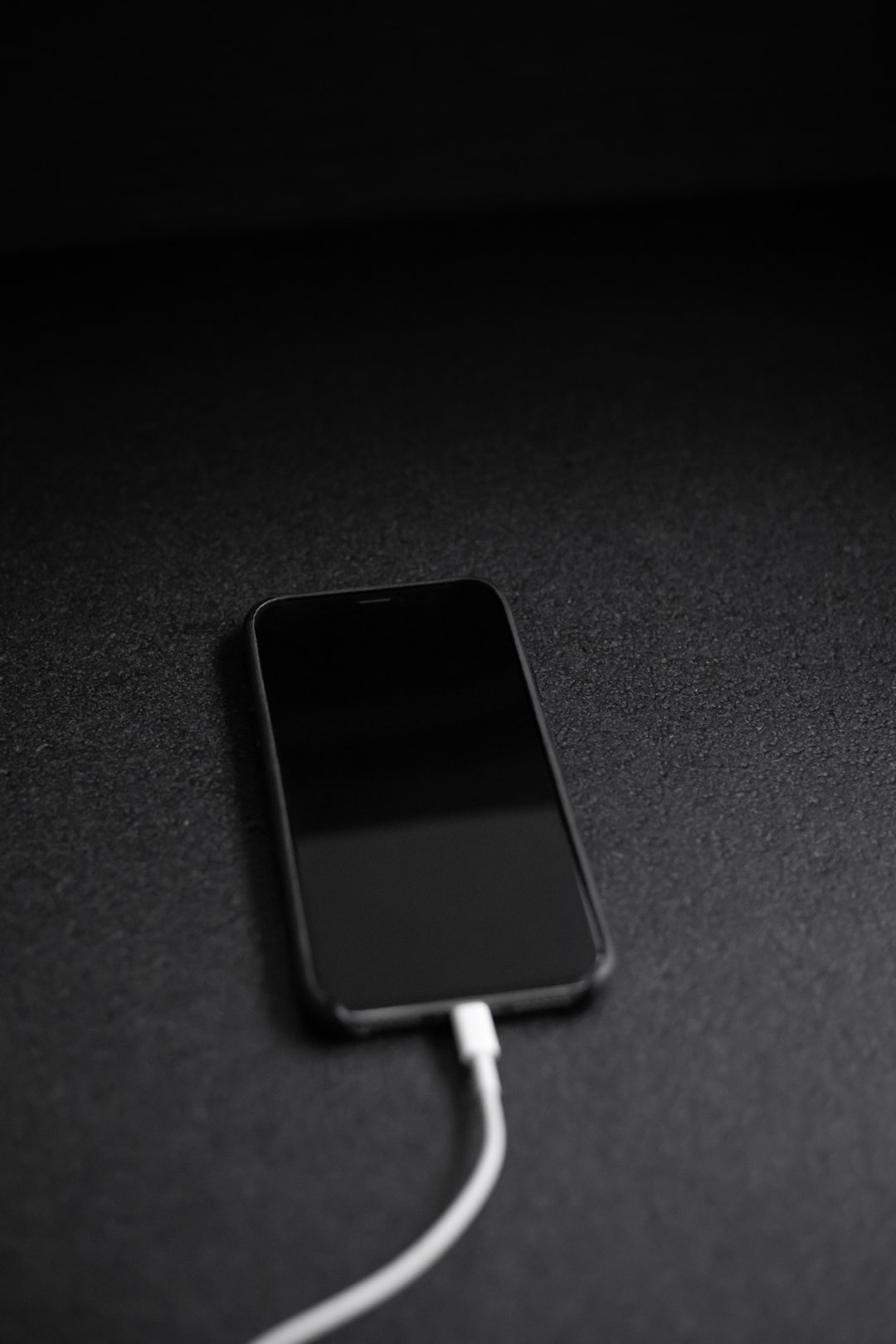
How to cool your phone while charging
You do not need to perform a tech ritual under a full moon. Try simple steps first.
- Take off the case. This helps heat escape.
- Stop using the phone. Let it charge in peace.
- Move it to shade. Keep it away from sunlight.
- Use a cable instead of wireless charging. Cable charging is often cooler.
- Close heavy apps. Games and video apps use lots of power.
- Turn on airplane mode. This can reduce heat and speed charging.
- Use the right charger. Pick a trusted charger with the right power rating.
- Place it on a hard surface. A table is better than a bed.
A cool, flat table is your phone’s spa day. A pillow is more like a heat trap in disguise.
Is fast charging bad for your battery?
Fast charging is not automatically bad. Modern phones are designed for it. They manage heat and power carefully.
But heat can age a battery faster over time. So if you always fast charge in hot places, while gaming, with a thick case on, your battery may wear out sooner.
Here is a simple rule: fast charging is fine, but heat is the enemy.
If you are in a hurry, use fast charging. If you are charging overnight, a slower charger may be gentler. Many phones also have battery protection features. These may slow charging after 80% or learn your routine.
Why does it get hot near 80% or 100%?
Charging is not the same speed from 0% to 100%.
At low battery levels, your phone may accept power quickly. As it gets closer to full, it slows down. This keeps the battery safer.
Sometimes heat appears during the faster part. Sometimes it appears when the phone is balancing power near the top. Either can happen.
If your phone is only mildly warm, do not panic. If it is very hot, unplug it and let it cool.
What about charging overnight?
Charging overnight is common. Most modern phones stop or slow charging when full. They are smarter than old batteries.
Still, overnight charging can create heat if the phone is under a pillow, inside bedding, or on a soft surface.
Do this instead:
- Charge on a desk or nightstand.
- Keep the phone uncovered.
- Use a good charger.
- Turn on optimized charging if your phone has it.
Your phone can sleep beside you. Just do not tuck it in.
Quick myth check
Let us bust a few tiny myths.
- Myth: A warm phone is always dangerous.
Truth: Mild warmth is normal during charging. - Myth: Only cheap phones get hot.
Truth: Any phone can heat up. - Myth: Putting it in the freezer helps.
Truth: Bad idea. Moisture can damage it. - Myth: Fast charging always ruins batteries.
Truth: Heat and bad habits are the bigger problem.
The simple safety routine
Here is the easy version.
Use a good charger. Keep the phone out of heat. Remove thick cases when needed. Do not play heavy games while charging. Keep the charging port clean. Replace bad cables.
Also, listen to your phone. If it shows a temperature warning, believe it. If it smells strange, unplug it. If the battery swells, stop using it.
Final thoughts
Your phone gets hot when charging because electricity is moving, the battery is working, and heat is a normal side effect. Most of the time, this is no big deal.
But your phone should not feel like a toaster. If it does, check your charger, case, apps, room temperature, and battery health.
Treat your phone kindly. Give it air. Give it shade. Give it a decent cable. In return, it will keep serving memes, maps, messages, and music without turning into a pocket volcano.