
Podcasting used to be hard. Really hard. You had to record carefully. Edit carefully. Cut audio by dragging tiny waveforms around. And if you made a mistake? You started again.
Now things are different. Tools like Descript changed the game. They made podcast editing feel more like editing a Word document. Simple. Fast. Almost fun.
TLDR: AI podcast editing tools like Descript let you edit audio by editing text. They can remove filler words, create transcripts, clean up sound, and even clone voices. Other great tools include Riverside, Adobe Podcast, Kapwing, and Alitu. The right tool depends on your budget, skill level, and podcast goals.
Let’s break it all down in a simple way.
What Is Descript and Why Is It So Popular?
Descript is an AI-powered audio and video editor. But here’s the cool part.
You edit audio by editing text.
Yes. Really.
When you upload your podcast episode, Descript:
- Transcribes it automatically
- Turns your speech into editable text
- Links the text directly to the audio
Delete a word in the transcript? The audio disappears too.
It feels like magic. But it’s AI.

Key Features of Descript
- Automatic transcription
- Filler word removal (like “um” and “uh”)
- Overdub (AI voice cloning)
- Multi-track editing
- Screen recording
- Studio Sound for audio cleanup
For beginners, it’s a dream. For pros, it’s a time-saver.
Why Use AI for Podcast Editing?
Because time matters.
Editing one hour of podcast audio can take 3 to 5 hours. Sometimes more. AI cuts that down dramatically.
Here’s what AI tools can do:
- Automatically remove silence
- Detect and cut filler words
- Level out volume differences
- Reduce background noise
- Generate show notes
- Create social media clips
Instead of fighting waveforms, you focus on content.
That’s a huge shift.
Best Tools Like Descript for AI Podcast Editing
Descript isn’t alone. Many AI tools now help podcasters work smarter.
Let’s explore the best ones.
1. Riverside
Riverside is great for recording remote podcasts. It records locally on each guest’s device, which means better quality.
It also includes:
- AI transcription
- Short-form clip creation
- Magic audio enhancement
- Video podcast support
Perfect for interview-style shows.
2. Adobe Podcast (Enhance Speech)
This tool is shockingly simple.
You upload audio. It makes it sound like it was recorded in a studio.
That’s it.
No complicated editing timeline. No confusion. It’s focused on clean sound.
Best for beginners who want fast fixes.
3. Kapwing
Kapwing is more video-focused. But it works well for podcast clips.
You get:
- Subtitle generation
- Text-based editing
- Easy social media exports
- Browser-based editing
If you post podcast snippets on TikTok, Instagram, or YouTube Shorts, this is handy.
4. Alitu
Alitu is built just for podcasters.
It automates:
- Noise reduction
- Volume leveling
- Music adding
- Publishing
You don’t need technical skills. It’s simple by design.
5. Hindenburg with AI Tools
Hindenburg is more professional. Less flashy. More control.
It now includes AI transcription and voice profiling.
Good for journalists and serious storytellers.
Quick Comparison Chart
| Tool | Best For | AI Transcription | Audio Cleanup | Text-Based Editing | Beginner Friendly |
|---|---|---|---|---|---|
| Descript | All-in-one editing | Yes | Yes | Yes | Very |
| Riverside | Remote interviews | Yes | Yes | Partial | Yes |
| Adobe Podcast | Quick sound fixes | Limited | Excellent | No | Very |
| Kapwing | Social media clips | Yes | Basic | Yes | Yes |
| Alitu | Automation | Yes | Yes | No | Very |
| Hindenburg | Professional storytelling | Yes | Advanced | No | Moderate |
How AI Transcription Actually Works
You speak. The software listens.
Behind the scenes, AI models analyze:
- Sound waves
- Speech patterns
- Language prediction
It then converts them into text.
Modern AI is surprisingly accurate. Especially for clear audio.
But here’s the secret.
Good audio equals better transcription.
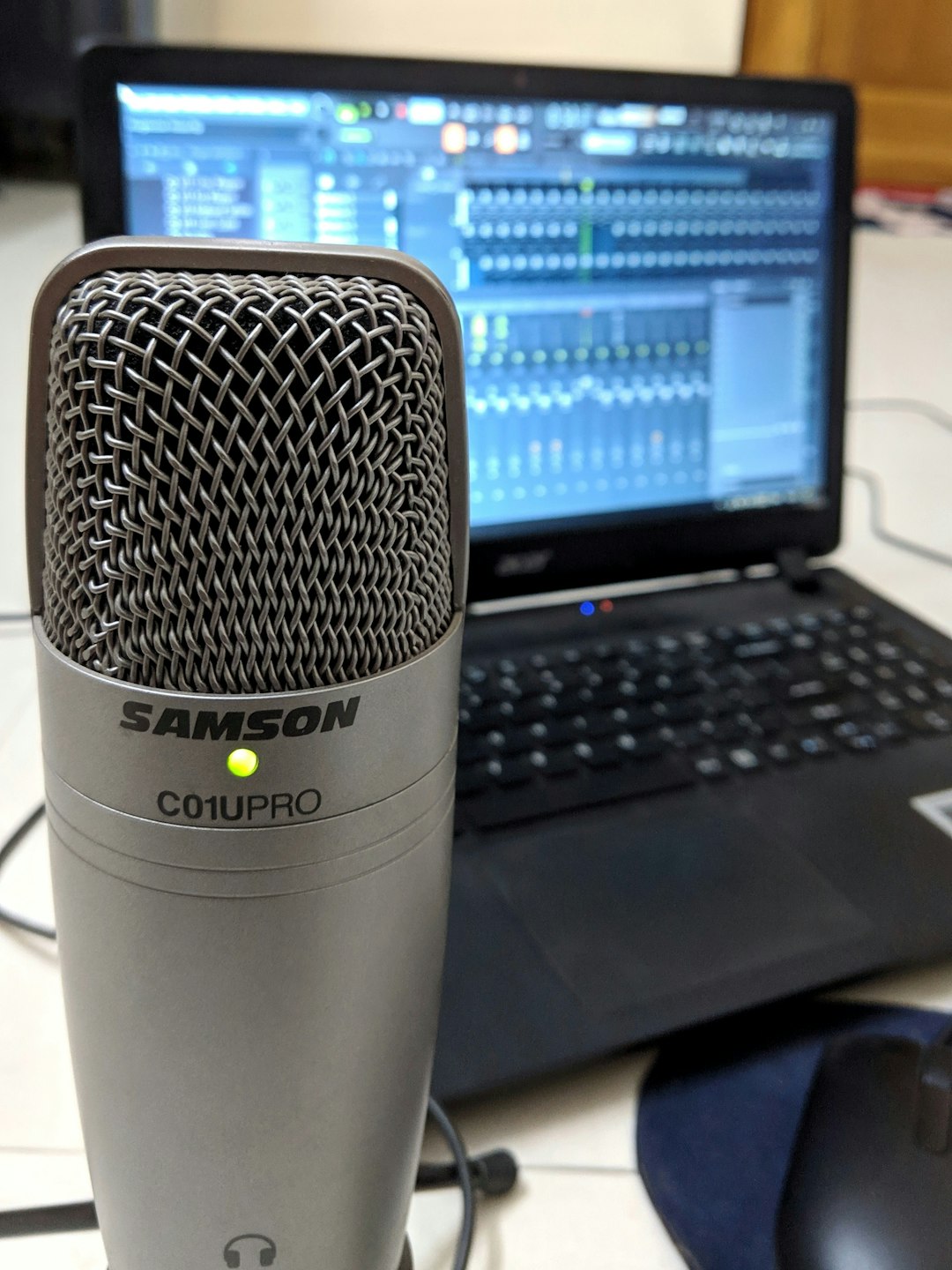
So use a decent microphone. Record in a quiet room. AI is smart. But it’s not psychic.
AI Voice Cloning and Overdub
This is where things get futuristic.
Descript’s Overdub feature lets you create a digital version of your voice.
Made a mistake while recording?
Instead of re-recording, you just type the new sentence. The AI generates it in your voice.
It saves time. And stress.
But use it ethically. Always be transparent with your audience.

How to Choose the Right Tool
Don’t just pick the most popular one. Ask yourself:
- Are you recording solo or with guests?
- Do you publish video podcasts?
- Do you need social clips?
- Are you tech-savvy?
- What’s your budget?
If you want simplicity? Try Alitu.
If you want power and flexibility? Try Descript.
If audio quality is your main issue? Try Adobe Podcast.
If you record remote interviews? Try Riverside.
The best tool is the one you’ll actually use.
Are AI Podcast Tools Replacing Human Editors?
Short answer? No.
Long answer? They’re changing the workflow.
AI is amazing at:
- Speed
- Repetitive tasks
- Basic cleanup
Humans are better at:
- Storytelling flow
- Emotional pacing
- Creative judgment
The smartest podcasters use both.
AI handles the boring stuff. Humans handle the magic.
Tips for Better AI Editing Results
Want the best results? Follow these simple tips:
- Use a good microphone
- Avoid talking over guests
- Record in a quiet space
- Speak clearly and naturally
- Review transcripts before publishing
AI tools are powerful. But they still need guidance.
The Future of AI Podcast Editing
Things are only getting better.
Soon, tools will:
- Auto-generate episode titles
- Create full blog posts from episodes
- Detect emotional highlights
- Auto-create viral clips
- Translate your voice into other languages
Imagine recording once. Then instantly publishing in five languages.
That future is coming fast.
Final Thoughts
Podcasting has never been more accessible.
You no longer need expensive studios. Or advanced editing skills.
Tools like Descript make it simple. Tools like Riverside make it clean. Tools like Adobe Podcast make it polished.
AI won’t replace great content.
But it will help you create it faster.
And that means more time for ideas. More time for creativity. More time for your voice to be heard.
That’s a win for everyone.