
Consumers increasingly expect retail experiences to be fast, personal, and available on any device. As a result, mobile shopping applications have become a core sales channel for brands, marketplaces, and niche stores. A successful app does more than display products; it guides shoppers from discovery to checkout with minimal friction while supporting the business with analytics, promotions, and operational efficiency.
TLDR: A modern mobile shopping app should include intuitive product discovery, secure checkout, personalization, order tracking, and customer support features. Strong UX depends on fast performance, clear navigation, accessible design, and trust-building details. Development costs vary widely, typically from $25,000 for a simple app to $250,000 or more for a scalable, enterprise-grade platform. The final budget depends on features, design complexity, technology stack, integrations, and post-launch maintenance.
Essential Features of Mobile Shopping Applications
A competitive shopping app begins with a well-structured product catalog. Categories, filters, search, product images, descriptions, pricing, availability, and reviews should be easy to access. Shoppers often make quick decisions on mobile, so product pages must present the most important information clearly and concisely.
- User registration and profiles: Accounts allow shoppers to save addresses, payment methods, wishlists, preferences, and order history.
- Advanced search and filters: Search by keyword, brand, size, color, price, rating, and availability helps reduce browsing time.
- Product pages: High-quality images, videos, specifications, reviews, stock status, return policies, and delivery estimates support confident purchasing.
- Shopping cart: The cart should allow easy quantity changes, coupon entry, product removal, and cost review.
- Secure checkout: Multiple payment methods, saved cards, digital wallets, and guest checkout can improve conversion rates.
- Order tracking: Real-time status updates, shipment tracking, and delivery notifications reduce customer service requests.
- Push notifications: Personalized alerts for discounts, abandoned carts, back-in-stock items, and order updates improve engagement.
- Reviews and ratings: Social proof helps customers evaluate product quality and seller reliability.
- Customer support: Live chat, chatbots, help centers, and return request forms create a smoother post-purchase experience.
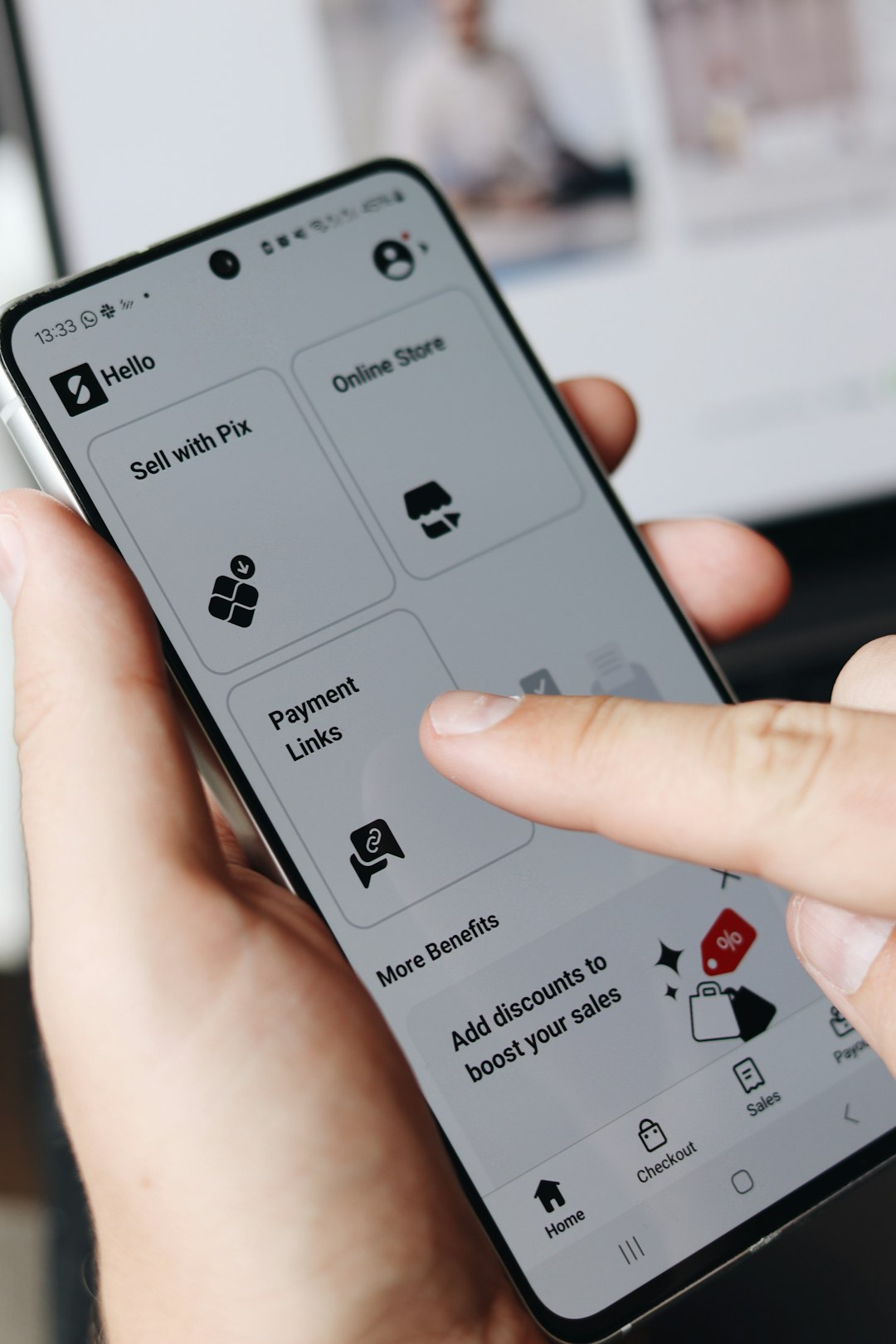
More advanced applications may include barcode scanning, augmented reality previews, loyalty programs, subscription ordering, AI-based recommendations, multilingual support, and social commerce features. These features can increase user engagement, but they should be added only when they support a clear business goal.
UX Best Practices for Better Conversion
Mobile shopping UX should prioritize speed, clarity, and trust. A visually attractive interface has limited value if shoppers cannot find products, compare options, or complete payment quickly. The best apps reduce cognitive load and make each step feel predictable.
Simple navigation is one of the most important UX principles. A bottom navigation bar often works well for ecommerce apps because it keeps key sections such as Home, Search, Cart, Wishlist, and Profile within easy thumb reach. Menus should avoid excessive nesting, and category names should match the language customers commonly use.
Fast loading times directly affect sales. Product images should be optimized, pages should load progressively, and unnecessary animations should be avoided. Even a delay of a few seconds can lead to abandoned sessions, especially during checkout.
Personalization can make the experience more relevant. Recommended products, recently viewed items, tailored promotions, and location-based delivery options help shoppers move faster. However, personalization should feel helpful rather than intrusive, and privacy settings should be transparent.
Checkout should be short and flexible. Guest checkout, autofill, address validation, and digital wallet support can reduce abandonment. The app should show all costs, including taxes, delivery fees, and discounts, before the final payment step. Hidden charges are one of the fastest ways to lose trust.
Accessibility should be included from the beginning. Clear contrast, readable fonts, descriptive labels, scalable text, and screen reader compatibility make the app usable for a wider audience. Accessible design also tends to improve usability for all customers.
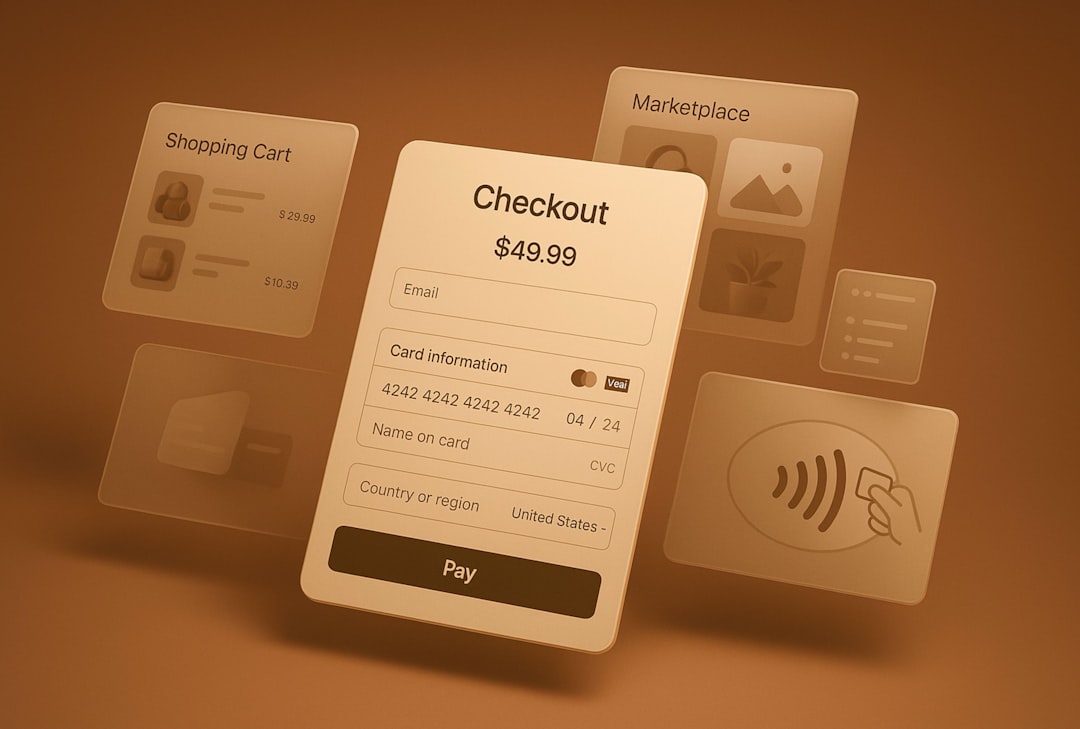
Trust signals are also critical. Secure payment badges, clear return policies, authentic reviews, shipping timelines, and visible customer support options reassure shoppers. For marketplaces, seller ratings and verification details are especially useful.
Technology and Development Considerations
Development usually begins with research, product strategy, and UX planning. Teams define user journeys, feature priorities, technical requirements, and integrations. A clickable prototype is often created before full development begins, allowing stakeholders to test flows and adjust the structure early.
Shopping apps can be built as native apps, cross-platform apps, or progressive web apps. Native apps for iOS and Android offer strong performance and platform-specific features, but they usually cost more because separate development is required. Cross-platform frameworks can reduce cost and development time while still delivering a polished experience. Progressive web apps are often more affordable, but they may have limitations with device features and app store visibility.
Backend development is equally important. The app needs product management, inventory synchronization, user accounts, payment processing, order management, notifications, analytics, and security controls. Integrations may include ecommerce platforms, ERP systems, CRM software, shipping providers, tax calculators, payment gateways, and marketing automation tools.
How Much Does Mobile Shopping App Development Cost?
Costs vary based on scope, design quality, platform choice, development location, and long-term scalability requirements. A simple app with a basic catalog, cart, checkout, and user profiles may cost between $25,000 and $60,000. This type of app works for small retailers with limited inventory and standard ecommerce needs.
A mid-range mobile shopping app often costs between $60,000 and $150,000. It may include custom UI design, advanced search, push notifications, loyalty features, reviews, analytics, third-party integrations, and a more robust admin panel.
An enterprise-grade application can cost $150,000 to $250,000 or more. These apps may require large-scale infrastructure, complex inventory logic, multiple user roles, marketplace functionality, AI recommendations, omnichannel integrations, fraud detection, and high-level security compliance.
- Discovery and strategy: 5% to 10% of the budget
- UX and UI design: 10% to 20%
- Frontend development: 25% to 35%
- Backend development: 25% to 40%
- Testing and quality assurance: 10% to 15%
- Maintenance and updates: commonly 15% to 25% of initial development cost per year

Businesses should also budget for hosting, app store fees, analytics tools, payment gateway fees, customer support systems, security monitoring, and marketing. Post-launch optimization is often what turns a functional app into a profitable one. Analytics, A/B testing, customer feedback, and performance monitoring help teams refine the experience over time.
Common Mistakes to Avoid
Some shopping apps fail because they try to include too many features at launch. A more effective approach is to release a focused minimum viable product, measure behavior, and expand based on real data. Other common mistakes include slow checkout, poor image optimization, confusing navigation, weak search, lack of guest checkout, and unclear return policies.
Security should never be treated as an afterthought. Payment data, personal information, and order history must be protected through encryption, secure authentication, regular updates, and compliance with relevant privacy standards. A single security incident can damage customer trust and brand reputation.
Conclusion
A mobile shopping application can become a powerful revenue channel when it combines essential ecommerce features with thoughtful UX and reliable technology. The strongest apps make product discovery enjoyable, checkout effortless, and post-purchase communication transparent. While development costs vary significantly, a carefully planned app can deliver long-term value through higher retention, increased conversion rates, and stronger customer relationships.
FAQ
How long does it take to develop a mobile shopping app?
Development usually takes 3 to 9 months, depending on complexity. A simple app may launch faster, while enterprise applications with custom integrations can take longer.
Is it better to build native or cross-platform shopping apps?
Native apps offer excellent performance and deep platform integration. Cross-platform apps are often more cost-effective and faster to build, making them suitable for many ecommerce businesses.
What feature has the biggest impact on conversions?
A fast, simple, and transparent checkout process often has the strongest impact. Guest checkout, digital wallets, clear pricing, and minimal form fields can reduce cart abandonment.
How much should be budgeted for maintenance?
Annual maintenance commonly costs 15% to 25% of the initial development budget. This covers updates, bug fixes, security patches, performance improvements, and compatibility changes.
Can a small retailer benefit from a shopping app?
Yes, if the app supports repeat purchasing, loyalty, personalized offers, or a strong customer community. For very small catalogs, a mobile-optimized website may be a better first step.