
Rocket League remains one of the most popular competitive multiplayer games in the world, combining fast-paced soccer gameplay with high-powered rocket cars. Before downloading it, however, many players want to know exactly how much storage space they’ll need. Download size can vary depending on your platform, additional content, and future updates. This guide breaks down everything you need to know about Rocket League’s full installation size across platforms and how to manage it effectively.
TL;DR: Rocket League typically requires between 20 GB and 30 GB of storage, depending on your platform and installed content. Consoles and PC versions fall within a similar range, though updates and cache files can increase the total size over time. To ensure smooth installation and performance, you should have at least 30–35 GB of free space available. Regular updates and seasonal content may gradually increase the footprint.
Rocket League Download Size by Platform
The exact storage requirements for Rocket League depend on the platform you’re using. Below is a detailed comparison of typical download and installed sizes.
| Platform | Initial Download Size | Installed Size (Approx.) | Recommended Free Space |
|---|---|---|---|
| PC (Epic Games) | 20–23 GB | 22–25 GB | 30 GB |
| PlayStation 4 | 18–20 GB | 20–23 GB | 30 GB |
| PlayStation 5 | 20–22 GB | 22–26 GB | 35 GB |
| Xbox One | 20 GB | 21–24 GB | 30 GB |
| Nintendo Switch | 12–15 GB | 13–16 GB | 20 GB |
Keep in mind that these numbers can fluctuate with patches, seasonal events, and esports updates. While Rocket League is not as demanding as some modern AAA titles, its storage footprint has grown steadily since its original release.
Why Rocket League Requires Over 20 GB
At first glance, Rocket League may seem like a lightweight game. After all, matches take place in compact arenas and feature just a few vehicles at a time. However, several factors contribute to its overall file size:
- High-quality textures and lighting effects
- Multiple stadium variations and arenas
- Rocket Pass cosmetic content
- Audio files, commentary, and soundtrack
- Seasonal events and limited-time modes
- Esports and tournament assets
Additionally, Rocket League transitioned to a free-to-play model. Since then, content updates have become more frequent, adding cars, decals, wheels, and challenges that increase the base file size.
How Updates Affect Total Size
One of the most important considerations isn’t just the initial download size — it’s how updates affect the game over time.
Rocket League typically receives:
- Seasonal updates every few months
- Bug fixes and balance patches throughout each season
- Limited-time event downloads
These updates often range from 1 GB to 5 GB. While some patch files overwrite existing data, others add new assets permanently. Over time, this means your Rocket League folder could grow beyond its initial install size.
It is not uncommon for long-term players to see total installation sizes approach 25–30 GB, particularly on PC and next-gen consoles.
PC vs Console Storage Differences
Although the game itself is largely identical across platforms, storage behavior differs slightly between PC and consoles.
PC (Epic Games Store)
- May include shader cache files
- Can generate additional temporary data
- Allows easier file management
PlayStation & Xbox
- More compressed system-level storage
- Requires extra space for patch installation
- Less flexibility in managing internal files
On consoles, especially PlayStation, you may need almost double the update size available when applying large patches. This is due to how the system copies and verifies data during installation.
Rocket League on Nintendo Switch
The Nintendo Switch version is more compact, typically requiring around 13–16 GB. This smaller size is due to optimized textures and reduced visual fidelity compared to PC and next-gen platforms.
However, players using the Switch should still consider:
- Limited internal system storage
- The need for microSD expansion cards
- Slower download speeds on WiFi
If Rocket League is one of several major games installed, investing in a larger microSD card is often necessary.
Image not found in postmeta
Recommended Free Space for Smooth Installation
While the base download might be around 20–25 GB, experts recommend maintaining more available storage than the minimum requirement.
Why? Because systems need temporary space for:
- Extracting compressed files
- Applying patches
- Creating backup files during updates
- Maintaining optimal system performance
A safe recommendation is to have at least 30–35 GB of free storage before installation. This prevents installation errors or slowed system performance.
Does Rocket League Take More Space Over Time?
Yes — like most live-service games, Rocket League’s file size tends to gradually increase. While developers sometimes streamline files or compress data, overall growth is common.
Reasons include:
- Accumulated seasonal assets
- Permanent cosmetic additions
- New arenas and experimental modes
- Expanded cross-platform features
Even if some event files are removed after a season ends, core content additions usually remain.
How to Check Rocket League File Size
If you’ve already installed the game, you can verify its exact size manually.
On PC:
- Open Epic Games Launcher
- Go to Library
- Click the three dots under Rocket League
- Select “Manage” to view storage usage
On PlayStation:
- Go to Settings
- Select Storage
- View Games and Apps
On Xbox:
- Go to My Games and Apps
- Select Manage
- View File Info
These menus provide current storage usage including all updates.
Tips to Reduce Storage Usage
While you cannot dramatically shrink Rocket League’s core files, you can manage your system storage more efficiently:
- Delete unused games
- Clear console cache
- Remove old capture clips
- Uninstall and reinstall if file corruption expands size
On PC, periodically clearing shader cache files may also help reclaim a small amount of space.
Image not found in postmeta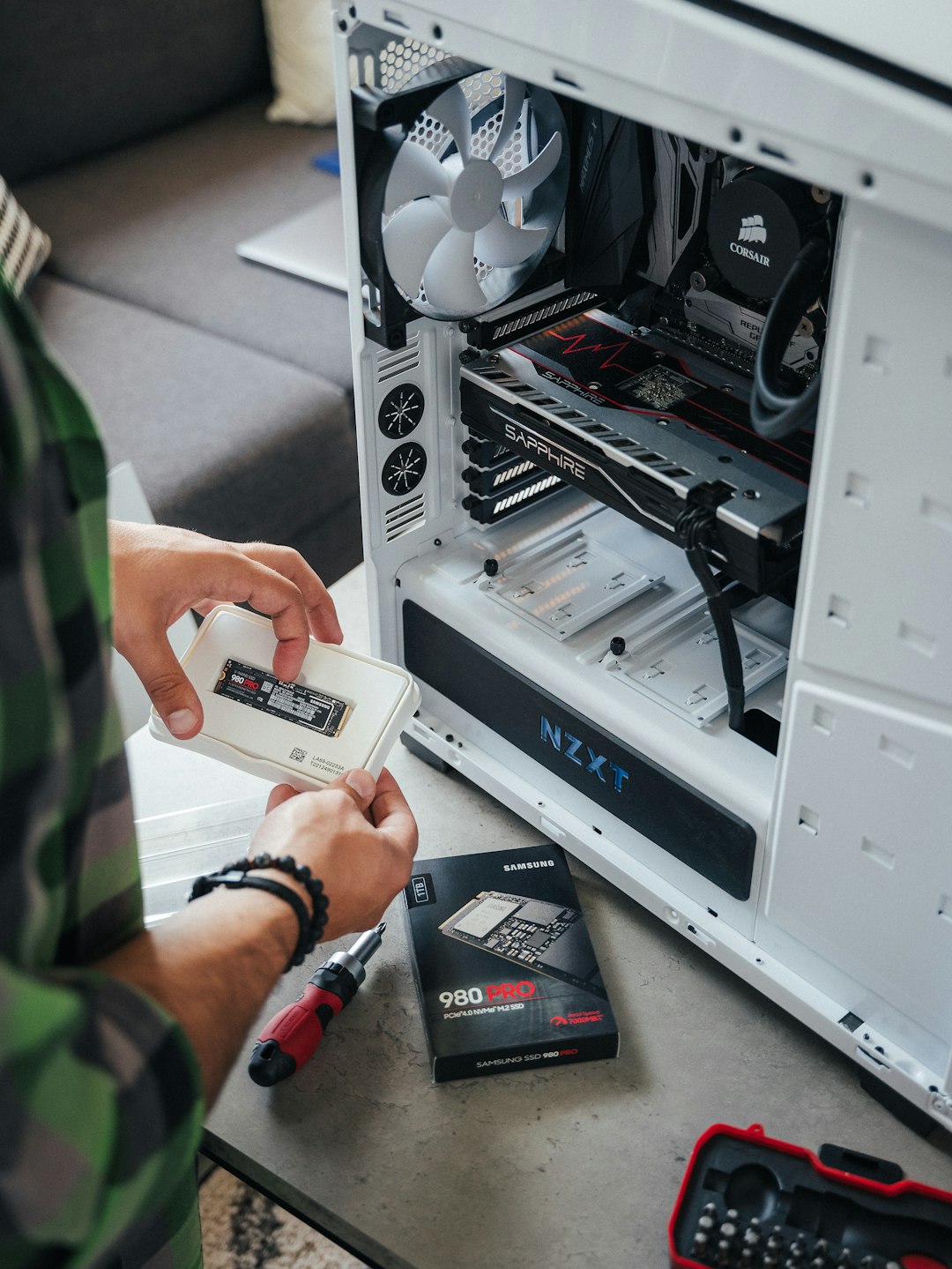
Is Rocket League Considered a Large Game?
Compared to modern AAA titles that often exceed 80 GB to 150 GB, Rocket League is relatively modest. However, it is noticeably larger than many indie or arcade-style games.
Its 20–30 GB footprint reflects:
- High refresh rate assets
- Online multiplayer infrastructure
- Cross-platform compatibility
- Frequent content cycles
For most modern systems with 500 GB or 1 TB storage, Rocket League occupies a manageable portion. On older consoles with smaller drives, storage planning becomes more important.
Final Verdict: How Many GB Is Rocket League?
In practical terms, Rocket League requires approximately 20–30 GB depending on platform and update history. To install the game safely and account for future updates, plan for at least 30–35 GB of available space.
While the size has grown since its original release, Rocket League remains compact compared to many current multiplayer titles. With proper storage management and awareness of update cycles, most players should have no difficulty accommodating the game.
If you’re preparing to download Rocket League, clearing extra space beforehand ensures a smooth, uninterrupted installation — and lets you jump straight into competitive play without delay.