
Managing social media without a clear publishing system can quickly become inefficient. Teams lose track of approvals, posts go live at inconsistent times, and performance data is often reviewed too late to improve the next campaign. Social media scheduling tools help solve these issues by bringing planning, publishing, collaboration, and reporting into one organized workflow.
TLDR: Social media scheduling tools make content planning easier by allowing teams to prepare posts in advance, coordinate campaigns, and review results from a central dashboard. For example, a small retail business posting on Instagram, Facebook, and LinkedIn could schedule 30 days of content in one afternoon instead of logging in daily. If the team saves just 20 minutes per day, that equals more than 10 hours per month recovered for strategy, customer replies, or creative work. The best tool depends on your platform mix, approval process, budget, and reporting needs.
Why Scheduling Tools Matter
Social media is no longer just a place to publish occasional updates. For many organizations, it is a key channel for customer communication, brand awareness, recruitment, product launches, and community management. This means content planning must be reliable, consistent, and measurable.
A scheduling tool helps teams move from reactive posting to planned communication. Instead of deciding what to publish each morning, marketers can map out campaigns weeks in advance, align posts with business goals, and ensure that each platform receives the right message at the right time.

Core Features to Look For
Most scheduling platforms offer similar basic functions, but the quality and depth of those features can vary significantly. Before choosing a tool, it is worth assessing how your team actually works.
- Calendar view: A visual calendar makes it easier to see what is scheduled across days, weeks, and campaigns.
- Multi-platform publishing: The tool should support the channels your audience uses, such as Instagram, Facebook, LinkedIn, TikTok, Pinterest, X, or YouTube Shorts.
- Approval workflows: Teams with managers, clients, or compliance requirements benefit from review and approval steps before posts go live.
- Asset organization: A media library helps store images, videos, captions, hashtags, and campaign materials in one place.
- Analytics: Reporting should show engagement, reach, clicks, follower growth, and content performance over time.
- Collaboration tools: Comments, task assignments, and version history reduce confusion when several people contribute to content.
Popular Scheduling Tools and Their Strengths
There is no single best scheduling tool for every organization. A solo consultant, an ecommerce brand, and a corporate communications department will have different needs. Below are several well-known options and the types of users they often suit.
Buffer is known for its clean interface and straightforward scheduling. It is often a strong choice for individuals, small businesses, and lean teams that want simple publishing and basic analytics without unnecessary complexity.
Hootsuite offers broad platform support, monitoring streams, team permissions, and enterprise-level features. It can be useful for organizations that manage multiple accounts and need a more mature dashboard for publishing and engagement.
Sprout Social is often selected by teams that need robust analytics, social listening, and customer engagement tools. It is particularly relevant for brands that treat social media as both a marketing and customer service channel.
Later is popular for visual content planning, especially for Instagram, TikTok, and Pinterest. Its visual calendar and media-first workflow are useful for brands with image-heavy campaigns, such as retailers, creators, restaurants, and lifestyle companies.
Planable focuses strongly on collaboration and approvals. Agencies and marketing teams that need client feedback, internal comments, and clear sign-off processes may find it especially helpful.
CoSchedule connects social scheduling with broader marketing calendars. This can help teams coordinate blog posts, email campaigns, events, and social updates in one planning environment.
Metricool combines scheduling with competitive analysis and performance reporting. It can be a practical option for teams that want publishing, analytics, and advertising data in a single place.
How Scheduling Improves Content Quality
Scheduling tools do more than save time. They can also improve the quality and consistency of content. When posts are planned ahead, teams have more opportunity to review copy, check links, verify visuals, and align messages with larger campaigns.
For example, a company launching a new service can prepare a sequence of posts: an announcement, an educational carousel, a customer testimonial, a short video, and a follow-up FAQ. Without a scheduling system, these posts may be published inconsistently or forgotten. With a calendar, the campaign becomes structured and easier to evaluate.
Planning also reduces duplication. If several team members post independently, they may repeat the same message or publish too many updates in a short window. A shared calendar gives everyone visibility and helps maintain a balanced publishing rhythm.
Using Analytics to Plan Smarter
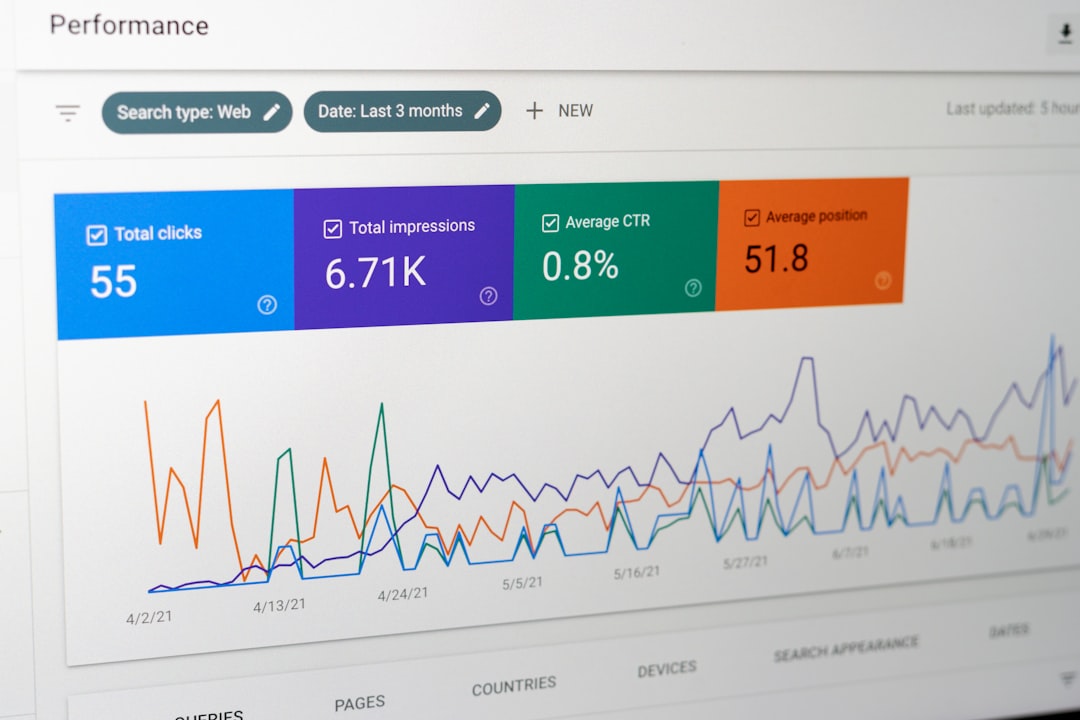
A serious content planning process should not rely on guesswork. Scheduling tools with analytics help identify what performs well and when audiences are most active. Over time, this data can guide better decisions about formats, posting times, topics, and platforms.
For instance, a business may find that LinkedIn posts published on Tuesday mornings receive 35% more clicks than posts published on Friday afternoons. An Instagram account might discover that short educational reels outperform static promotional posts by a significant margin. These insights allow teams to adjust the calendar based on evidence rather than habit.
However, analytics should be interpreted carefully. A high number of likes does not always mean a post supported business goals. Teams should connect social metrics to meaningful outcomes, such as website visits, newsletter signups, qualified leads, product inquiries, or customer retention.
Best Practices for Easier Content Planning
To get the most from a scheduling tool, it helps to establish a simple and repeatable process. The tool should support the strategy, not replace it.
- Define content pillars. Choose three to five recurring themes, such as education, customer stories, product updates, industry insights, and company culture.
- Plan in batches. Create several posts at once to improve efficiency and maintain a consistent tone.
- Customize by platform. Avoid posting identical captions everywhere. LinkedIn, Instagram, TikTok, and Facebook audiences often expect different formats and language.
- Leave room for timely content. A full calendar is useful, but teams should still be able to respond to news, trends, or customer questions.
- Review performance regularly. Monthly reporting helps identify patterns and refine the next content cycle.
Common Mistakes to Avoid
Scheduling can create efficiency, but poor use of automation can make a brand seem detached. One common mistake is scheduling too far in advance without reviewing posts before publication. News events, market changes, or internal updates can make a previously appropriate post seem insensitive or inaccurate.
Another mistake is treating scheduling as a substitute for engagement. Publishing content is only one part of social media management. Teams still need to respond to comments, answer messages, follow conversations, and participate in community discussions.
It is also important not to over-prioritize quantity. Posting frequently may help visibility, but low-quality content can reduce trust. A smaller number of useful, well-planned posts is often more effective than a crowded calendar filled with repetitive updates.

Choosing the Right Tool
Before subscribing to a platform, list your practical requirements. How many accounts will you manage? How many users need access? Do posts require approval? Which analytics matter most? Is social listening necessary? What budget is realistic?
Many tools offer free trials or entry-level plans, which can be useful for testing the interface and workflow. During a trial, schedule real content, invite relevant team members, test approval steps, and review the reporting dashboard. A tool that looks impressive in a feature list may not be the best fit if it slows down everyday work.
Final Thoughts
Social media scheduling tools make content planning easier by creating structure, reducing manual work, and improving visibility across campaigns. They help teams publish consistently, collaborate more clearly, and use performance data to make better decisions.
The most effective approach is to choose a tool that matches the size and complexity of your organization. Whether you use a simple scheduler or a full social media management platform, the goal remains the same: plan content with purpose, publish with consistency, and improve based on reliable evidence.