
Content creation today is no longer about producing something once and moving on. In a digital ecosystem driven by short attention spans, multiple platforms, and ever-changing algorithms, the real power lies in repurposing. A long-form podcast can become a dozen social clips. A webinar can transform into blog posts, email campaigns, and social carousels. And at the heart of this transformation are smart content repurposing tools like Descript that make editing and reusing content faster, easier, and dramatically more efficient.
TLDR: Content repurposing tools like Descript help creators turn one piece of content into many by simplifying audio and video editing. These tools use text-based editing, AI transcription, and automation to make content creation faster and more scalable. By leveraging them strategically, brands and creators can maximize reach without doubling their workload. The right platform depends on your goals, workflow, and team size.
Why Content Repurposing Is Essential in 2026
Creating high-quality content takes time, effort, research, recording, editing, and polishing. Yet most creators historically published something once and moved on. That approach is inefficient in today’s environment.
Repurposing allows you to:
- Maximize reach across platforms like YouTube, TikTok, LinkedIn, Instagram, and podcasts.
- Increase ROI on long-form content.
- Reach different audience preferences (video, audio, written formats).
- Maintain consistent visibility without constantly creating from scratch.
For example, a 60-minute podcast episode could become:
- 5–10 short-form video clips
- A full blog article
- An email newsletter
- Multiple quote graphics
- LinkedIn thought leadership posts
This kind of workflow is nearly impossible without smart editing tools designed specifically for repurposing.
How Tools Like Descript Revolutionized Editing
Descript changed the content creation landscape by introducing text-based audio and video editing. Instead of adjusting waveforms manually, users simply edit a transcript like a Word document, and the audio or video follows.
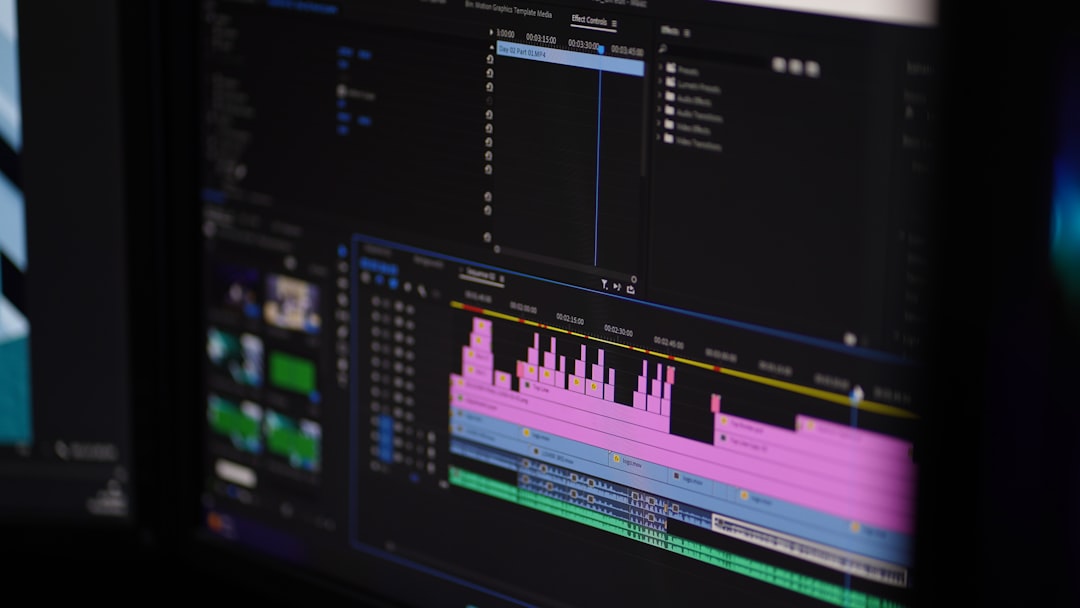
This innovation removes technical friction, making editing accessible to non-professionals. Key features typically include:
- Automatic transcription with speaker detection
- Text-based editing (delete text to remove audio/video)
- Filler word removal (ums, ahs, likes)
- AI voice cloning and overdub
- Screen recording
- Multi-track editing
For repurposing, the power lies in the transcript. Once your content is converted into text, it becomes modular. You can quickly scan for highlight moments, pull quotable segments, and reshape them into short, digestible pieces.
Best Content Repurposing Tools Compared
While Descript is a leader, several other tools specialize in repurposing workflows. Below is a comparison of some of the most useful platforms.
| Tool | Best For | Key Features | Learning Curve |
|---|---|---|---|
| Descript | Podcast and video editing | Text-based editing, AI overdub, transcription, screen recording | Low to Medium |
| Opus Clip | Short-form video creation | AI clip selection, automatic captions, social optimization | Low |
| Riverside | Remote podcast recording | High-quality local recording, transcription, clip export | Low |
| CapCut | Social media videos | Templates, captions, AI editing tools | Low |
| Adobe Premiere Pro | Professional video production | Advanced editing, integrations, automation plugins | High |
The right tool depends on your workflow. If you prioritize simplicity and speed, Descript and Opus Clip may be ideal. If you require detailed editing control, Premiere Pro is more powerful—but less accessible.
The Content Repurposing Workflow (Step-by-Step)
To truly leverage these tools, you need a strategic workflow. Here’s a streamlined system used by many successful creators and agencies:
1. Start With Long-Form Content
Create a pillar asset: podcast, webinar, YouTube video, or live stream. This serves as your foundation.
2. Transcribe Automatically
Use Descript or similar platforms to generate a transcript instantly. The transcript becomes your roadmap.
3. Identify High-Impact Moments
Scan the transcript for:
- Strong opinions
- Emotional stories
- Statistics or data points
- Actionable advice
4. Create Short-Form Clips
Export multiple short vertical clips optimized for TikTok, Instagram Reels, and YouTube Shorts.

5. Turn Transcript Into Written Content
Edit the transcript into:
- Blog articles
- LinkedIn newsletters
- Email sequences
- Twitter threads
6. Create Graphics and Carousels
Pull quotes and turn them into visual posts or slide decks.
This systematic approach ensures that every piece of content works harder, not just longer.
Benefits of Using Descript for Repurposing
Although several tools exist, Descript offers unique advantages:
- Speed: Editing by text is dramatically faster than waveform editing.
- Accessibility: Non-technical users can produce professional results.
- Collaboration: Teams can comment and edit within shared projects.
- Error Correction: AI overdub allows quick fixes without re-recording.
- Efficiency: One workspace for recording, editing, and exporting.
For agencies managing multiple clients, these efficiencies scale quickly into major time savings.
Common Mistakes in Content Repurposing
Despite the power of modern tools, creators often misuse them. Here are typical pitfalls:
- Copy-paste repurposing: Simply reposting without adapting for platform culture.
- Ignoring formatting: Vertical vs. horizontal video matters.
- Over-editing: Removing all personality can make content sterile.
- Lack of hook optimization: Short-form content needs immediate attention-grabbers.
A TikTok clip needs a compelling first three seconds. A LinkedIn post needs a powerful opening line. Repurposing is not duplication—it is adaptation.
AI’s Growing Role in Repurposing
AI-assisted editing is no longer optional; it is becoming standard. Modern tools now:
- Auto-detect viral moments
- Recommend titles and captions
- Generate subtitles instantly
- Resize content for different platforms
- Remove background noise automatically
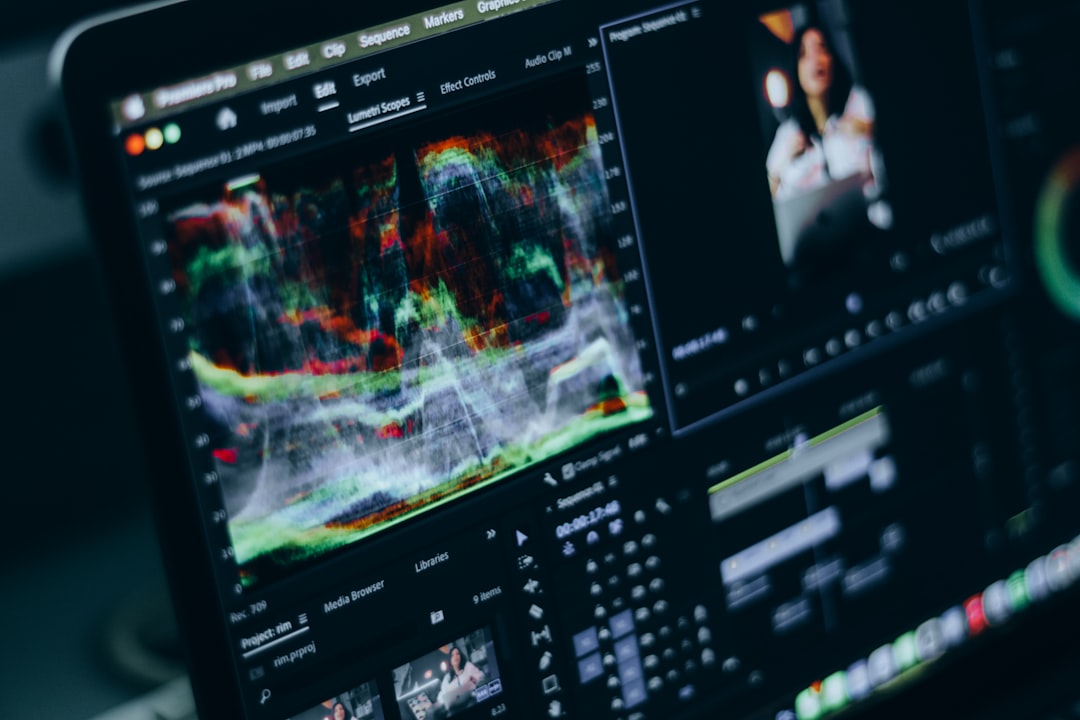
This automation reduces friction and encourages creators to produce more consistently. Instead of spending eight hours editing a single video, you might spend two—and use the remaining time for strategy.
Who Should Use Content Repurposing Tools?
These tools are not just for influencers. They are valuable for:
- Coaches and consultants building authority
- Startup founders sharing thought leadership
- Marketing teams managing omnichannel campaigns
- Educators turning lessons into multiple learning formats
- Agencies handling client content at scale
Anyone producing recurring content can benefit.
The Economic Advantage of Repurposing
Hiring videographers, editors, writers, and designers separately is expensive. Repurposing tools consolidate parts of that workflow into a single platform.
Consider the math:
- 1 podcast episode = 10 video clips
- That same episode = 1 blog post + 3 LinkedIn posts
- The blog post = 2 email newsletters
One recording session can generate weeks of content. This dramatically improves cost efficiency and content consistency.
What the Future Looks Like
As AI continues evolving, editing will become more predictive and automated. We are likely to see:
- Fully automated highlight detection
- Real-time clip generation during recording
- Voice style adaptation for different platforms
- Auto-generated platform-specific formatting
The creators who thrive will not necessarily be those who produce the most—but those who extract the most value from each piece of content.
Final Thoughts
Content repurposing is no longer a tactic—it is a core content strategy. Tools like Descript have democratized editing, allowing creators, entrepreneurs, and marketing teams to efficiently transform one asset into many.
Instead of chasing endless new ideas, focus on refining and redistributing what you already create. With the right system and tools in place, a single recording session can fuel your entire content calendar.
In a crowded digital world, success does not always come from working more. Often, it comes from working smarter—and content repurposing tools are one of the smartest investments a creator can make.