
Old photos are tiny time machines. They hold memories, faces, and moments we can never repeat. But many of them are blurry, pixelated, or just plain damaged. The good news? AI can now fix that. With just a few clicks, you can turn a fuzzy mess into a sharp, vibrant image.
TLDR: AI photo unblur tools use smart algorithms to sharpen old and pixelated images in seconds. They can fix blur, enhance faces, boost resolution, and even restore damaged areas. In this article, we explore six of the best tools available today. We also include a handy comparison chart to help you choose the right one.
Let’s dive in and bring those memories back to life.
Why Use AI to Unblur Photos?
Blurry photos happen for many reasons. Camera shake. Bad focus. Low light. Old technology. Or tiny file sizes.
Traditional editing tools can sharpen an image. But they often make it look grainy or fake. AI works differently.
- It analyzes patterns in millions of photos.
- It predicts missing details.
- It rebuilds textures in faces, hair, and background objects.
- It increases resolution without simple stretching.
The result? Cleaner. Sharper. More natural photos.
1. Remini
Best for quick face enhancement.
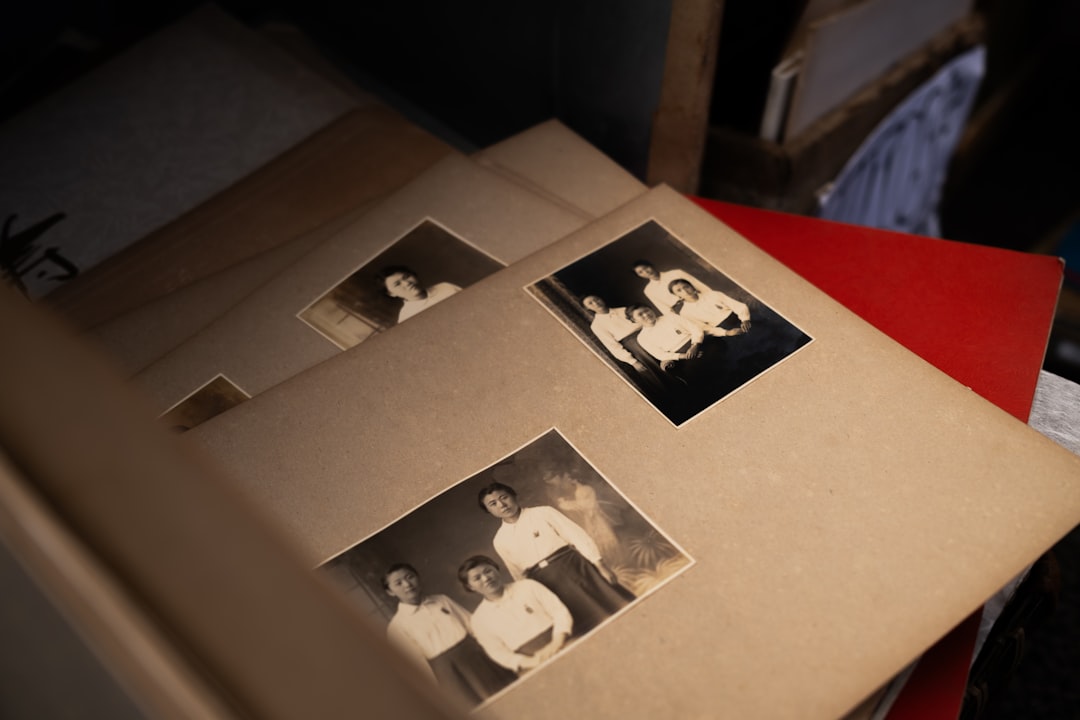
Remini is one of the most popular AI photo enhancers on the market. It is known for restoring old portraits and selfies.
You upload a photo. The AI analyzes the face. Then it rebuilds details like eyes, skin texture, and hair strands.
What Makes It Great
- Excellent facial detail recovery
- Very easy to use
- Available on mobile and web
- Fast processing
Downsides
- Less control over adjustments
- Free version has limits
If you have old family portraits that look soft or pixelated, Remini is a great starting point.
2. Topaz Photo AI
Best overall for professionals.
Topaz Photo AI is powerful. Very powerful. It uses advanced machine learning models trained specifically for sharpening, denoising, and upscaling.
It doesn’t just sharpen. It understands blur types. Motion blur. Lens blur. Out of focus blur.
What Makes It Great
- Professional-grade results
- Strong deblur technology
- High-quality upscaling
- Works as standalone or plugin
Downsides
- Paid software
- Requires a decent computer
Photographers love it. It gives control. And the results look natural.
3. Fotor AI Photo Enhancer
Best for beginners.
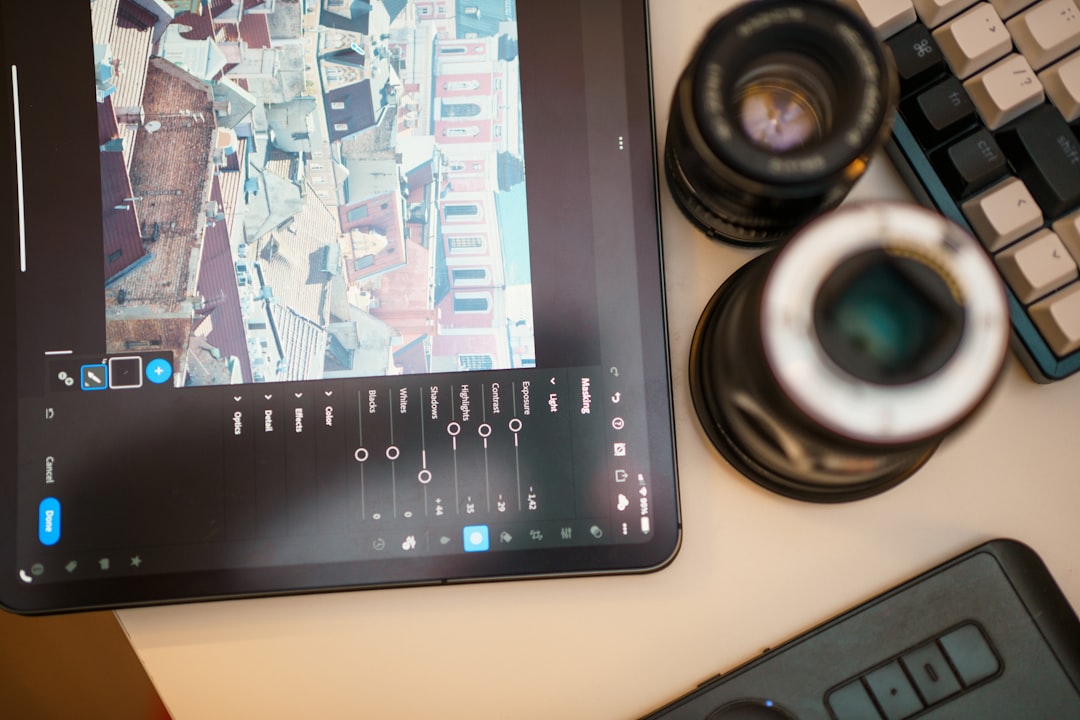
Fotor keeps things simple. Upload your image. Click enhance. Done.
Behind the scenes, AI improves sharpness, reduces noise, and enhances lighting. It is web-based. So no installation needed.
What Makes It Great
- Very beginner-friendly
- No technical skills required
- Works directly in browser
- Affordable plans
Downsides
- Less advanced controls
- May struggle with very heavy blur
If you want something fast and simple, Fotor is a good pick.
4. Adobe Photoshop (Neural Filters)
Best for creative control.
Photoshop now includes AI-powered Neural Filters. One useful feature is photo restoration and super resolution.
You can remove blur. Add sharpness. Increase image size. And combine AI with manual edits.
What Makes It Great
- Industry-standard tool
- Advanced editing tools
- AI combined with manual precision
- Great for restoring damaged photos
Downsides
- Steeper learning curve
- Monthly subscription
It’s perfect if you want both automation and control in one place.
5. VanceAI Image Sharpener
Best for fixing motion blur.
VanceAI focuses on specific enhancements. One of its strengths is motion blur reduction.
Did someone move during the shot? Did your hand shake? This tool can often correct that.
What Makes It Great
- Multiple sharpening modes
- Good at motion blur recovery
- Online and desktop versions
Downsides
- Free credits are limited
- Heavy blur may still be challenging
It’s especially useful for casual photographers fixing action shots.
6. LetsEnhance.io
Best for upscaling pixelated images.
Sometimes the problem is not blur. It’s low resolution.
LetsEnhance specializes in increasing image size without destroying quality. It adds realistic details while enlarging the photo.
What Makes It Great
- Excellent for upscaling
- Improves color and lighting
- Great for printing old photos
Downsides
- Primarily focused on resolution
- Subscription required for frequent use
If you found a tiny digital photo from 2005, this tool can make it printable again.
Comparison Chart
| Tool | Best For | Ease of Use | Platform | Price Model |
|---|---|---|---|---|
| Remini | Face enhancement | Very Easy | Mobile + Web | Freemium |
| Topaz Photo AI | Professional deblur | Moderate | Desktop | Paid |
| Fotor | Quick fixes | Very Easy | Web | Freemium |
| Adobe Photoshop | Advanced editing | Advanced | Desktop | Subscription |
| VanceAI | Motion blur | Easy | Web + Desktop | Credits system |
| LetsEnhance | Upscaling | Easy | Web | Subscription |
How to Choose the Right Tool
Not all blur is the same. So ask yourself a few questions:
- Is the photo out of focus?
- Is it low resolution?
- Is there motion blur?
- Is it mainly a face that needs fixing?
If it’s a portrait, try Remini.
If you need pro-level correction, go for Topaz Photo AI.
If you want full creativity, use Photoshop.
If the image is tiny and pixelated, choose LetsEnhance.
Sometimes the best solution is combining tools. Upscale first. Then sharpen.
Tips for Better Results
AI is smart. But you can still help it.
- Start with the highest quality version of your photo.
- Avoid screenshots if possible.
- Use subtle settings. Over-sharpening looks unnatural.
- Compare before and after views.
And always keep the original version. Just in case.
Final Thoughts
Blurry photos used to mean lost memories. Not anymore.
AI photo unblur tools are changing the game. They rebuild faces. They sharpen details. They upscale tiny images. And they do it in seconds.
Some tools are simple. Some are professional. But all of them can give your old photos new life.
So dig into those old albums. Open that dusty folder on your hard drive. And let AI work its magic.
Your memories deserve to be seen clearly.