
3D printing is awesome. But managing multiple printers? Not always fun. Files get lost. Prints fail. Teams get confused. That is where workflow management software comes in. These platforms help you stay organized, monitor prints remotely, and keep everything running smoothly.
TL;DR: Managing 3D printers without software is chaos. Platforms like OctoPrint, 3DPrinterOS, and GrabCAD Print make life easier with remote monitoring and workflow tools. They help you track prints, manage files, and control machines from anywhere. If you run more than one printer, you need one of these.
Let’s dive into three powerful 3D printing workflow management platforms. We will keep it simple. And fun.
Why Workflow Management Software Matters
If you own one 3D printer, you can walk over and check it. Easy.
If you own five? Or twenty? Different story.
Here is what often goes wrong without management software:
- Print jobs overlap
- Wrong files get printed
- No one knows who started what
- Failed prints waste time and filament
- You must physically check every machine
Workflow software fixes this. It:
- Lets you upload and organize files
- Queues print jobs
- Tracks printer status
- Sends alerts
- Streams live camera feeds
- Allows remote control
Think of it as mission control for your printers.
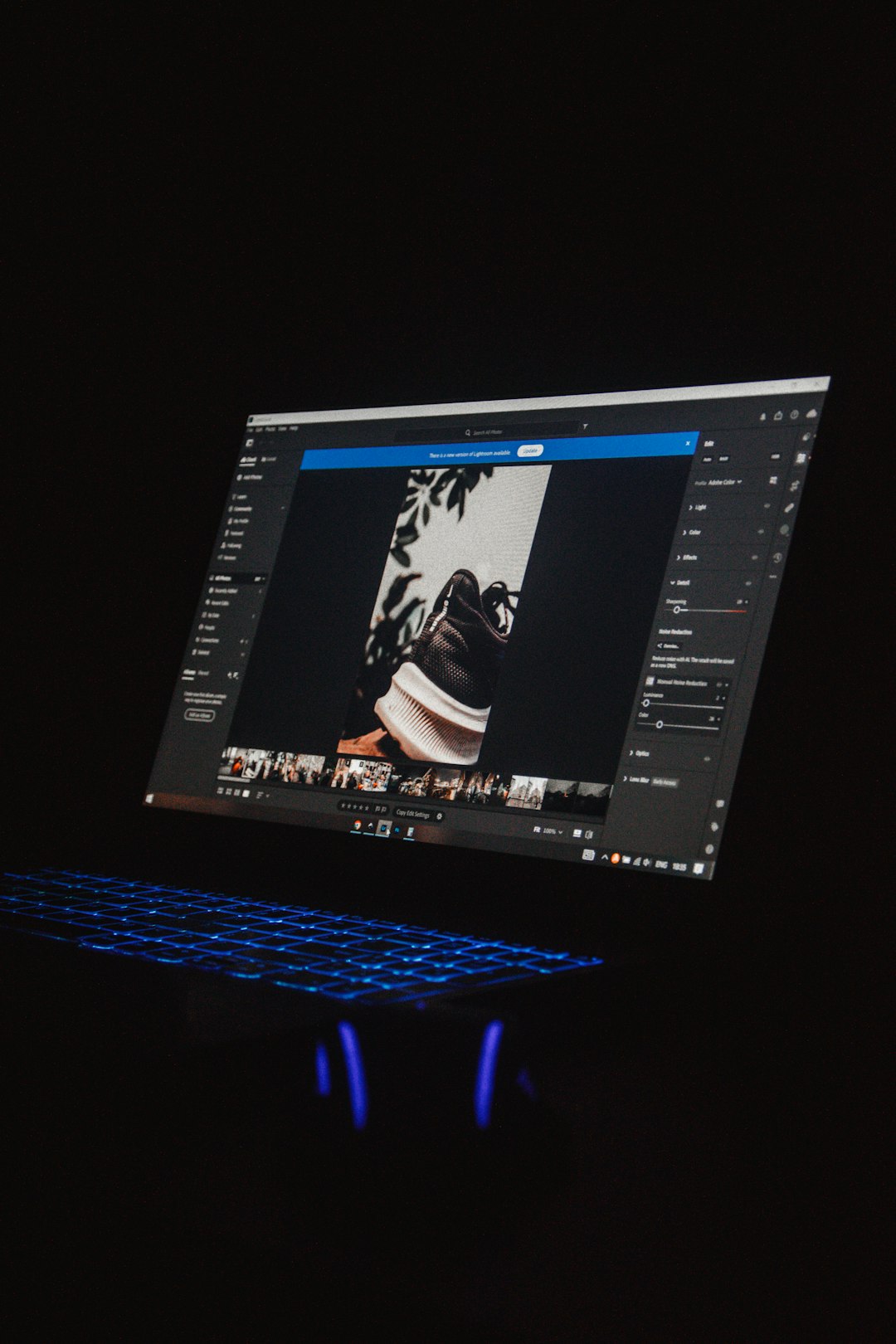
1. OctoPrint (With Remote Monitoring Plugins)
Best for: Makers, hobbyists, and small farms.
OctoPrint is open source. That means free. And customizable.
By itself, OctoPrint connects to a single 3D printer through a Raspberry Pi or similar device. But with plugins, it becomes a powerful workflow system.
What Makes It Special?
- Remote access through a web browser
- Live webcam streaming
- Print progress tracking
- Huge plugin library
- Filament tracking
You can start a print from your couch. Or another country.
There are plugins that allow:
- Farm management dashboards
- AI-based failure detection
- Mobile app alerts
- Cloud syncing
Pros
- Free and open source
- Flexible and customizable
- Large community support
Cons
- Requires setup and tinkering
- Not fully enterprise-ready out of the box
- Multi-printer management needs extra configuration
OctoPrint feels like building your own control center. Powerful. But hands-on.
2. 3DPrinterOS
Best for: Schools, labs, and growing print farms.
3DPrinterOS is cloud-based. That means no complex local setup.
You log in through a browser. Connect your printers. Done.
It works with many popular 3D printer brands. Even mixing different models in one dashboard.
Key Features
- Cloud file storage
- Integrated slicer
- Printer queuing system
- User permission controls
- Live webcam monitoring
- Usage analytics
This is where it shines: user management.
Teachers love it. You can:
- Assign students specific printers
- Approve print jobs before they start
- Track usage by user
- Limit material consumption
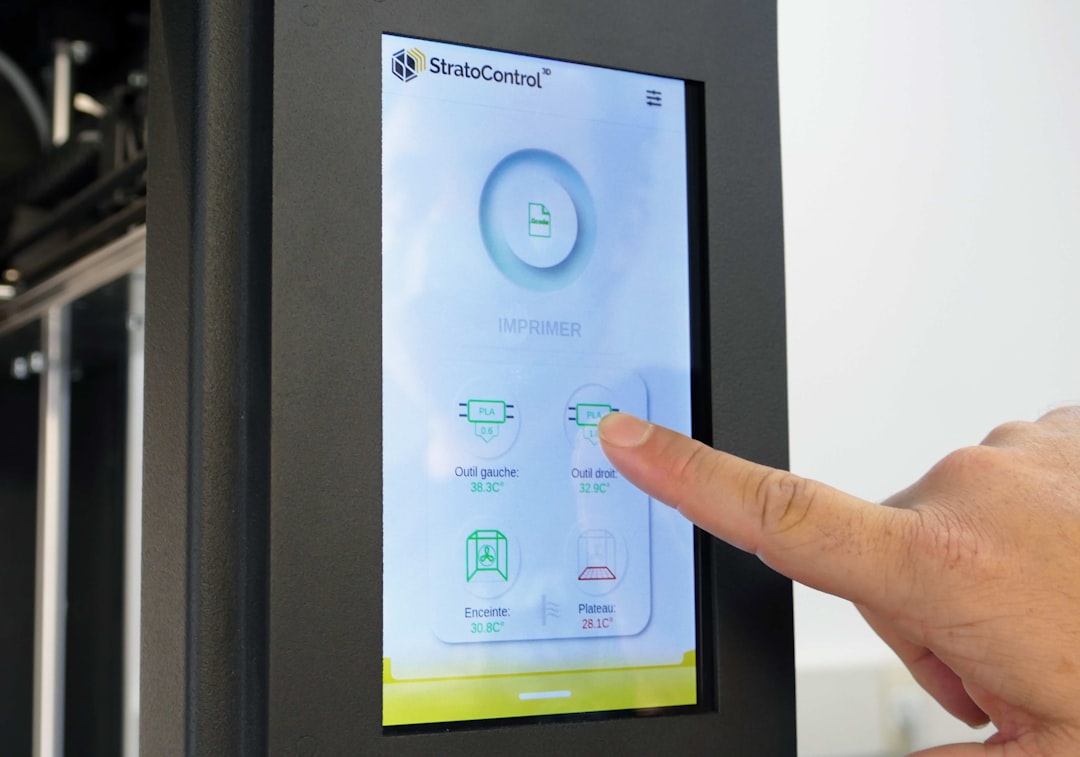
You also get real-time alerts if something goes wrong.
Pros
- Easy to scale
- Strong workflow tools
- Excellent remote access
- No heavy local installation
Cons
- Subscription cost
- Needs stable internet connection
If OctoPrint is a custom garage setup, 3DPrinterOS is a modern control tower.
3. GrabCAD Print (With GrabCAD Shop)
Best for: Professional teams and industrial environments.
GrabCAD Print is developed by Stratasys. It targets professional users.
It does more than monitor prints. It manages entire production workflows.
GrabCAD Shop expands this into a full manufacturing management system.
Main Features
- Centralized print preparation
- Advanced job scheduling
- Status tracking in real time
- Team collaboration tools
- Request management portal
Engineers can submit part requests through a web interface.
Managers can:
- Approve jobs
- Assign printers
- Estimate costs
- Track production timelines
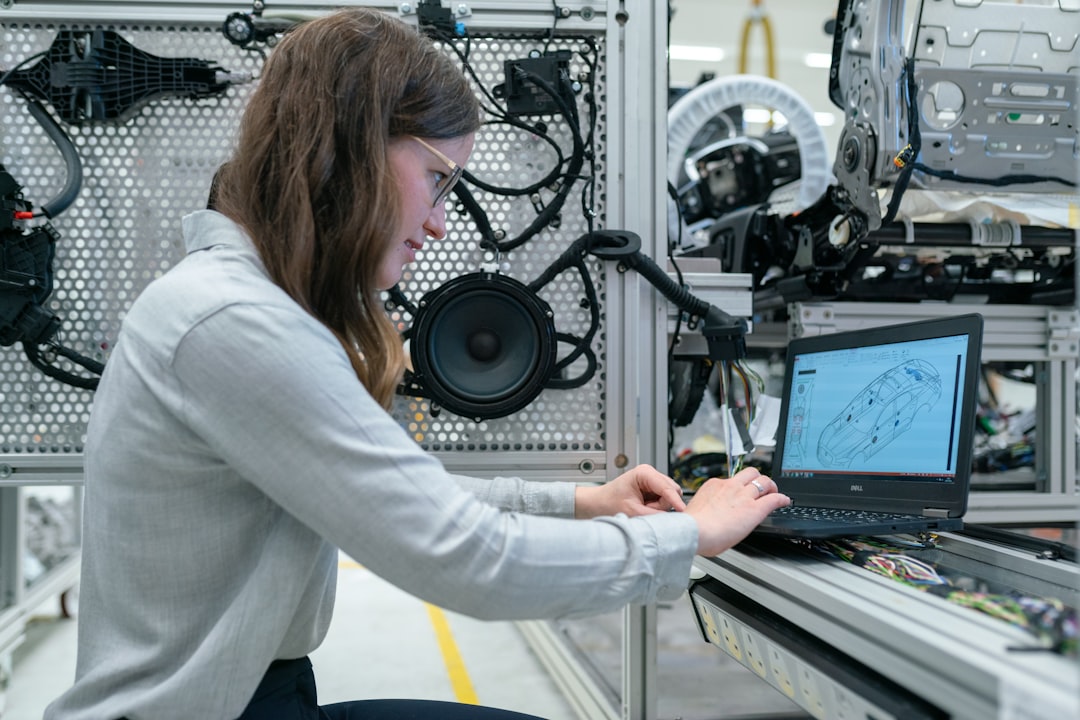
It feels like project management software. Built for 3D printing.
Pros
- Enterprise-grade reliability
- Deep workflow integration
- Excellent for large teams
- Strong reporting tools
Cons
- Focused primarily on Stratasys ecosystem
- Higher cost
- More complex than hobby solutions
This is not for casual printing. It is for serious production.
Side-by-Side Comparison
| Feature | OctoPrint | 3DPrinterOS | GrabCAD Print |
|---|---|---|---|
| Best For | Hobbyists and small farms | Schools and mid-size farms | Industrial teams |
| Remote Monitoring | Yes with webcam | Yes cloud-based | Yes enterprise level |
| Multi Printer Management | With plugins | Built-in | Advanced scheduling |
| User Management | Limited | Strong | Very Strong |
| Cost | Free | Subscription | Premium pricing |
| Skill Level Needed | Moderate | Easy to moderate | Advanced |
How to Choose the Right One
Ask yourself a few simple questions:
- How many printers do I have?
- Do I need user controls?
- Is this for hobby or business?
- Do I want free or fully managed?
- Do I need deep production analytics?
If you run two printers at home, OctoPrint is perfect.
If you manage a classroom or growing lab, 3DPrinterOS makes life easier.
If you handle engineering requests and production schedules, GrabCAD is your powerhouse.
The Power of Remote Monitoring
Remote monitoring changes everything.
You can:
- Check prints from your phone
- Stop failures early
- Save filament
- Reduce downtime
- Sleep without worry
Many systems now integrate AI cameras. They detect spaghetti failures. Or detached prints.
Instead of discovering a 12-hour disaster in the morning, you stop it in 10 minutes.
That is real savings.
Final Thoughts
3D printing is not just about making cool objects.
It is about managing time. Materials. And machines.
Without workflow management software, things get messy fast.
OctoPrint gives you freedom and customization.
3DPrinterOS gives you structure and scalability.
GrabCAD Print gives you industrial-level control.
Pick the one that matches your goals.
Once you experience remote monitoring and organized workflows, you will never go back.
Your printers will work smarter.
And so will you.