


In today’s content-driven world, creating high-quality videos for platforms like Instagram Reels, YouTube Shorts, and TikTok is crucial if you want to stand out. However, editing on the go with a mobile phone can be challenging, especially if you want pro-level features like 4K at 60fps export and no intrusive watermarks. Fortunately, there are some amazing mobile video editing apps that deliver studio-level power—all from your smartphone or tablet.
TL;DR
Not all mobile video editors are created equal, especially when it comes to exporting content in 4K at 60fps without plastering a watermark over your footage. We’ve researched and tested dozens of apps to bring you the top 4 video editing tools that are feature-rich, easy to use, and designed with social media creators in mind. Whether you’re a vlogger, business owner, or casual content creator, there’s something here for you. Read on to find the best fit for your needs.
1. CapCut
Available on: iOS and Android
Price: Free (with optional Pro subscription)
Best for: Social media content creators and TikTok enthusiasts
CapCut is a powerhouse editor developed by ByteDance—the parent company of TikTok. It’s built for mobile-first creators and provides a wide array of features that are easy to master, even for beginners. One of CapCut’s biggest advantages is that it allows you to export videos in 4K at 60fps—no watermark required, even on the free version.
Key features:
- Full 4K at 60fps exporting support
- No watermark without the need to pay
- TikTok integration for hassle-free uploads
- Music library with trending sounds
- Advanced effects like motion tracking and keyframe animation

CapCut’s recent updates have made it even more creator-friendly, with features like AI background removal, automatic subtitles, and style templates. It’s excellent for anyone who prioritizes speed, ease, and direct-to-platform publishing.
2. VN Video Editor
Available on: iOS, Android, macOS, Windows
Price: Free
Best for: Beginners looking for desktop-level control on mobile
VN Video Editor is a little-known gem that’s quietly built a loyal following. It offers a rich suite of editing tools and best of all—it’s completely free. You read that right: VN supports 4K at 60fps exports with zero watermarks, no subscriptions, and no hidden fees.
Key features:
- Multi-track editing for advanced storytelling
- Speed control with curve adjustments
- Chroma key (green screen) features
- Text and title animations
- Project saving to the cloud for cross-device access
One of VN’s standout features is its non-destructive editing workflow, similar to professional software. You can tap into transitions, effects, and filters without any learning curve. Plus, it’s ad-free—a rare feat in today’s mobile app marketplace.
3. LumaFusion
Available on: iOS and (Beta) Android
Price: One-time cost of ~$29.99
Best for: Mobile filmmakers, YouTubers, and professionals
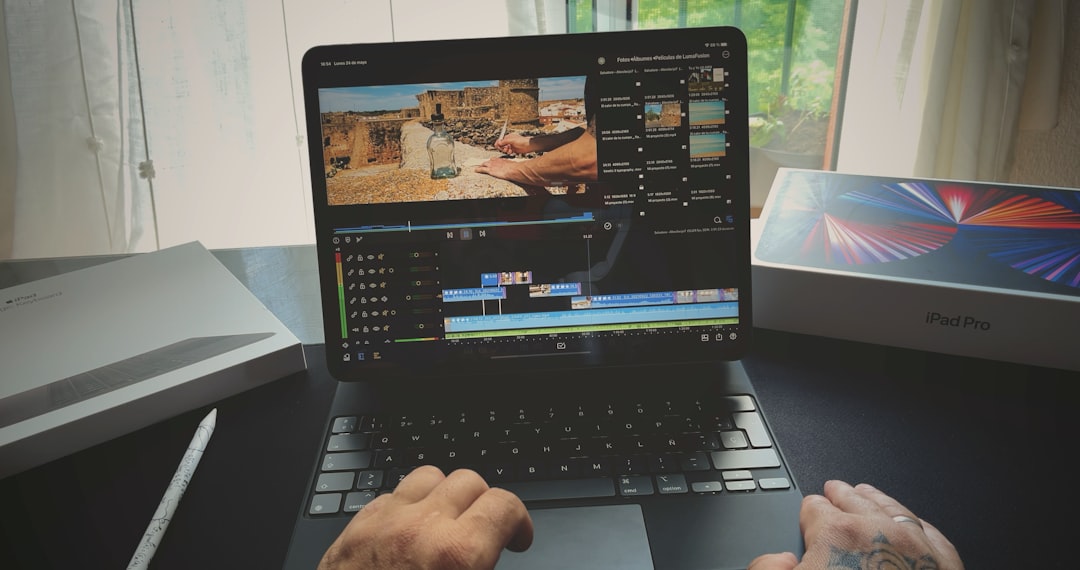
For creators who need desktop-grade video editing on the go, LumaFusion is the go-to option. It’s widely considered the most powerful mobile editor—and it should be, considering it’s used by journalists and independent filmmakers alike. LumaFusion allows for 4K 60fps exports without watermarks right out of the box.
Key features:
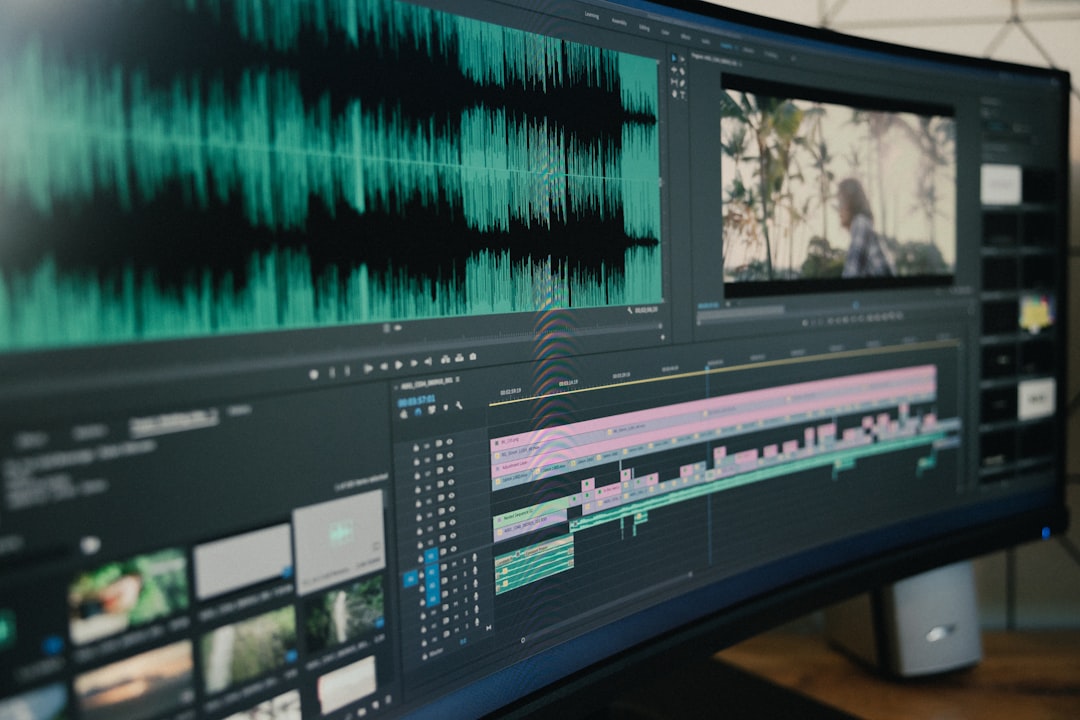
- 6 video and 6 audio tracks for complex layering
- Magnetic timeline with drag-and-drop editing
- Color grading tools and LUT support
- Advanced audio mixing
- Real-time preview of high-res effects
LumaFusion is not free, but its one-time payment model makes it excellent value for money if you’re serious about mobile production. It’s also frequently updated with tools more commonly seen on desktop software, all optimized for mobile performance.
4. KineMaster (Premium Version)
Available on: iOS and Android
Price: Free basic version; Premium subscription starts at ~$3.99/month
Best for: Semi-professionals and YouTubers
KineMaster has been around for a long time, and it remains one of the most balanced mobile editors out there. The free version does include a watermark, but the Premium version removes it and unlocks full 4K 60fps export capabilities. If you want an intuitive interface without sacrificing advanced features, KineMaster is a strong contender.
Key features:
- Layered video editing with timeline precision
- Voiceover, music, and sound effect integration
- Blending modes and chroma key support
- Professional-grade transitions and effects
- Asset store with premium effects, fonts, and graphics
Its sleek design makes navigating multiple layers a breeze on small screens, and its export options make it ideal for YouTube, short films, or social media trailers.
How to Choose the Right App for You
Each of the apps listed above has its own strengths depending on your needs:
- Want something free that just works? Go with CapCut or VN.
- Need professional editing tools? Invest in LumaFusion.
- Looking for rich features with a low entry cost? Consider KineMaster Premium.
Also, factor in things like user interface, learning curve, export requirements, and recurring costs (if any). It’s easy to try a few and pick the one that feels most intuitive for your style.
Important Considerations

- Always verify export settings: Some apps limit export quality unless specifically selected.
- Storage needs: 4K 60fps files are large—ensure your device has enough storage space.
- Device limitations: Not all mid-range phones handle 4K editing smoothly. Performance may vary.
Final Thoughts
You no longer need a high-end computer to produce stunning videos. Today’s mobile editing apps are more than capable of delivering professional-quality content ready for your favorite social media platforms—without that dreaded watermark and with support for smooth, high-resolution playback. Whether you’re a casual TikTok creator or a mobile videographer on the move, these four apps give you the power to create wherever inspiration strikes.
Test a few of these apps and see which one aligns best with your editing needs. You might be surprised at just how powerful your smartphone can be as a filmmaking tool.