
Google Maps is the better pick for most daily drivers, while Waze is better for commuters who care most about shaving minutes off a familiar route. Google Maps covers more than 250 countries and territories, which makes it the safer all-around choice for errands, road trips, parking checks, transit, walking, and local search [source: Google]. Waze, by contrast, feels built for one thing: getting a driver through traffic with the help of live reports from other drivers.
TL;DR: For everyday driving, Google Maps wins for reliability, cleaner directions, business details, and fewer distractions. Waze wins when traffic is ugly and a driver is willing to take side streets to save time. For example, on a 12-mile commute, Waze might suggest a more aggressive route that saves 4 to 7 minutes, while Google Maps may choose a calmer route that arrives slightly later. A driver who repeats the same commute five days a week may prefer Waze; a driver who mixes errands, school pickup, parking, and new addresses will likely prefer Google Maps.
Google Maps vs Waze: The Short Answer
Both apps are owned by Google, but they do not feel the same. Google Maps is a complete travel tool. It handles driving, walking, cycling, public transit, business search, reviews, photos, opening hours, gas stations, EV charging, hotels, restaurants, and saved places.
Waze is more focused. It is a driver-first app built around live road reports. Drivers report crashes, police, stopped cars, road hazards, potholes, lane closures, and heavy traffic. That crowd input is the reason Waze often reacts quickly when a road turns into a mess.
The best choice depends on the job. For daily driving to new places, Google Maps is usually better. For daily commuting on known roads, Waze can feel faster and more alert.
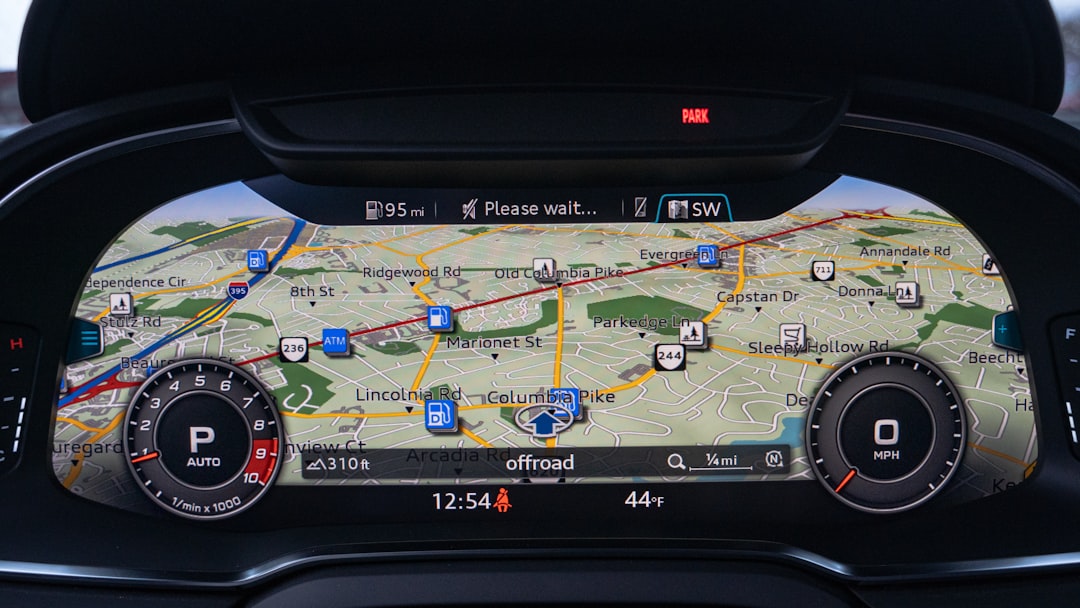
Where Google Maps Wins
Google Maps wins on usefulness outside the car. A driver can search for a coffee shop, check its hours, read reviews, see photos, compare busy times, save it to a list, and then get directions. That sounds basic, but it matters. A daily drive often includes small stops, not just point A to point B.
Google Maps also feels calmer. The screen is easier to scan. Turn prompts are clear. Alternate routes are shown in a simple way. It rarely feels like the app is shouting for attention.
- Best for new destinations: addresses, landmarks, parking lots, stores, and offices are easier to find.
- Better search: business listings are richer and more accurate.
- More travel modes: driving, public transit, walking, cycling, rideshare links, and more.
- Cleaner interface: fewer pop-ups and alerts while driving.
- Offline maps: useful when cell service drops or data is limited.
It drives many drivers crazy that Waze can be brilliant for traffic but weak when the trip includes “find a decent grocery store near the office.” Google Maps handles that without making the driver jump between apps.
Where Waze Wins
Waze wins when live road conditions matter most. It has a strong community reporting system, and that makes it feel very current. If there is a crash two miles ahead, a police car on the shoulder, or debris in the road, Waze users tend to report it fast.
Waze is also more aggressive with routes. It may send a driver through smaller streets, odd turns, or less obvious roads if it thinks the trip will be quicker. For some commuters, that is the whole point. A person who drives the same freeway every morning may love getting a warning before traffic locks up.
- Best for traffic alerts: crashes, police, hazards, and stopped cars show up clearly.
- Strong for commuters: it learns common trips and timing patterns.
- Faster rerouting: it often reacts quickly when traffic changes.
- Driver community: reports can be confirmed or dismissed by other users.
- Fun voice options: not essential, but many drivers enjoy them.
The catch is that Waze can feel jumpy. It may move a driver off a main road to save two minutes, then send the car through tight turns or residential streets. That is fine for some commuters. Others will hate it by Wednesday.

Accuracy and Traffic: Which One Is Better?
Both apps use traffic data, but they behave differently. Google Maps tends to balance speed with route quality. It may avoid strange cut-throughs if the time savings are small. Waze is more willing to chase the fastest ETA.
For daily driving, that difference matters. A route that saves three minutes can still be annoying if it adds six extra turns, school zones, speed bumps, and blind corners. Google Maps often picks the route that feels more normal. Waze often picks the route that looks fastest on paper.
For major traffic problems, Waze can be excellent. It gives drivers fast warnings and clear icons. A commuter may see reports for a crash, police, and a stalled vehicle before the traffic line even feels severe. Google Maps also shows traffic well, but its alerts are less social and less chatty.
Interface and Ease of Use
Google Maps has a more polished layout. It is easier to search, compare routes, review trip options, and see nearby places. The app also fits better into daily life because it saves home, work, favorite places, restaurant lists, hotel bookings, and trip ideas.
Waze has a brighter, more playful design. Some drivers like that. Others find it cluttered. Icons, alerts, ads, and report buttons can crowd the screen. Honestly, it feels like Waze sometimes asks for too much attention during a task that already needs focus.
For simple daily commuting, though, Waze is not hard to use. A driver opens it, starts the route, and follows alerts. It becomes less appealing when the driver also needs to search for lunch, check store hours, or compare parking near a venue.
Safety and Distraction
Safety is where Google Maps has an edge for many drivers. Its calmer screen and fewer pop-up reports can reduce distraction. Waze relies on user reports, which means the app encourages interaction. A driver can report hazards, police, traffic, and closures. That is useful, but it can also tempt tapping while driving.
Voice control helps, and both apps support voice features. Still, less screen clutter is usually better. A daily driver who wants fewer distractions may prefer Google Maps.
Offline Use and Weak Signal Areas
Google Maps has a clear advantage with offline maps. A driver can download an area before a trip and still get directions when service is poor. This is helpful in rural areas, parking garages, mountain roads, and places with spotty coverage.
Waze depends more heavily on a live connection. It can continue a started route for a while, but its best features need real-time data. Without that, Waze loses much of its value.
Which App Is Better for Different Drivers?
- Office commuter: Waze is often better if traffic changes often and the driver knows the area.
- Parent doing school runs and errands: Google Maps is usually better because search and stop planning are stronger.
- Delivery or gig driver: Google Maps is more stable for addresses, but Waze can help in heavy traffic zones.
- Road trip driver: Google Maps is better for planning, food, gas, hotels, and offline maps.
- City driver: Waze can be faster, but it may also suggest stressful side streets.
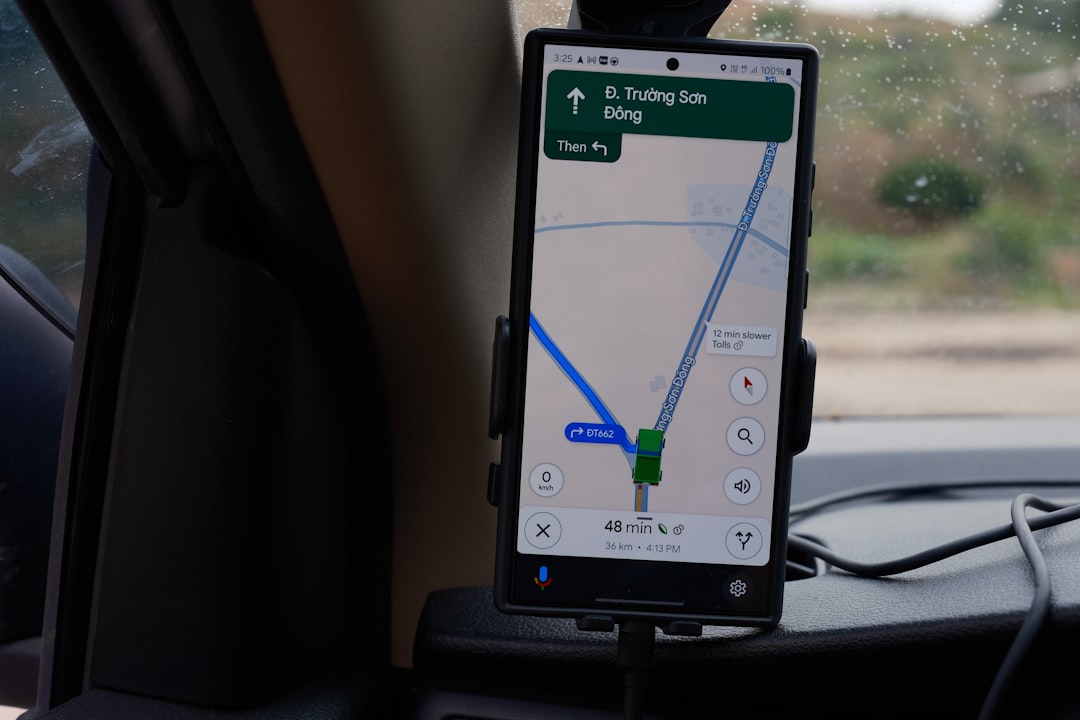
Final Verdict
Google Maps is the better daily driving app for most people. It is more complete, less distracting, and better for real-life driving that includes stops, searches, parking, and unfamiliar places. It is the app most drivers can trust without thinking too much.
Waze is the better specialist tool. It is great for commuters who want live alerts and do not mind unusual shortcuts. The ideal setup for many drivers is simple: use Google Maps as the default, and open Waze when traffic looks bad or the commute is time-sensitive.
FAQ
Is Waze more accurate than Google Maps?
Waze can be more current for live road reports such as crashes, police, and hazards. Google Maps is often better for addresses, businesses, parking, and general route quality.
Does Waze really save time?
Sometimes, yes. Waze may save several minutes in heavy traffic by using side streets or faster alternate routes. The tradeoff is that those routes can feel more stressful.
Is Google Maps better for long trips?
Yes. Google Maps is stronger for road trips because it handles offline maps, gas stops, restaurants, hotels, attractions, and route planning in one place.
Which app uses more battery?
Both can drain battery during long drives. Waze may use more power when live alerts, rerouting, and screen activity are constant. A charger is wise for either app.
Can drivers use both apps?
Yes. Many drivers use Google Maps for most trips and Waze for rush hour or traffic-heavy commutes. That mix gives the best of both without much hassle.