


Graphics cards are the heart of any gaming or creative PC build, and squeezing more performance out of them is a goal shared by enthusiasts and everyday users alike. One of the most popular tools for tweaking and monitoring GPUs is MSI Afterburner. But a common question keeps popping up in forums and tech communities: Does MSI Afterburner work with any GPU? The answer is more nuanced than a simple yes or no—and understanding how it works can save you time, frustration, and possibly even hardware headaches.
TLDR: MSI Afterburner works with most modern NVIDIA and AMD GPUs, not just MSI-branded cards. While basic monitoring functions are widely supported, advanced features like voltage control depend on the specific GPU model and driver support. Integrated graphics typically offer limited or no compatibility. Always check your GPU model and driver version to confirm full functionality.
What Is MSI Afterburner?
MSI Afterburner is a free GPU overclocking and monitoring software developed by MSI, but it is not limited to MSI graphics cards. Initially designed to enhance the performance of MSI-branded GPUs, it quickly evolved into a universal tool for graphics tuning across multiple manufacturers.
With MSI Afterburner, users can:
- Overclock their GPU core and memory
- Adjust fan curves
- Monitor temperatures, usage, and clock speeds in real time
- Display performance metrics via an on-screen display (OSD)
- Capture screenshots and video gameplay
It is widely regarded as one of the safest and most accessible tools for GPU tweaking, provided it is used responsibly.

Does MSI Afterburner Work With NVIDIA GPUs?
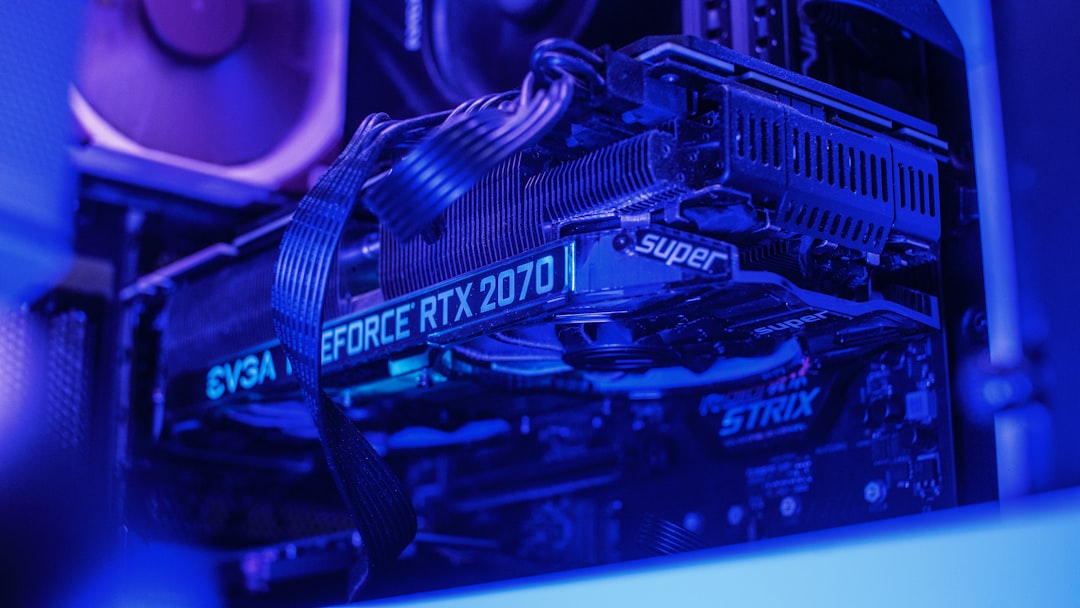
Yes—almost all modern NVIDIA GPUs are supported. MSI Afterburner works with GeForce GTX and RTX series graphics cards, regardless of whether they are manufactured by MSI, ASUS, Gigabyte, EVGA, Zotac, or other board partners.
Supported NVIDIA generations typically include:
- GTX 600 series and newer
- GTX 900, 1000, 1600 series
- RTX 2000, 3000, and 4000 series
However, the level of control you get may vary. For example:
- Core and memory overclocking: Almost always supported.
- Power limit adjustments: Usually supported on non-OEM cards.
- Voltage control: May be locked depending on GPU model and BIOS.
It’s worth noting that NVIDIA sometimes restricts certain voltage or power modifications at the driver level, especially for newer cards. In such cases, MSI Afterburner can still monitor and tweak clocks but may have limited advanced tuning capability.
Does It Work With AMD GPUs?
Yes, MSI Afterburner also supports most AMD Radeon GPUs. Just like with NVIDIA cards, you do not need an MSI-branded Radeon GPU to use the software.
Commonly supported AMD series include:
- Radeon RX 400 and 500 series
- Radeon RX 5000 series
- Radeon RX 6000 and 7000 series
However, AMD users sometimes experience differences in:
- Voltage adjustment availability
- Fan curve customization options
- Compatibility with certain drivers
AMD’s own Adrenalin software offers built-in tuning features, and in some systems, users prefer it instead. That said, MSI Afterburner remains a favorite due to its clean interface and powerful monitoring tools, particularly when paired with RivaTuner Statistics Server for in-game overlays.

What About Non-MSI Graphics Cards?
This is one of the biggest misconceptions surrounding the software. Despite the name, MSI Afterburner works with non-MSI cards.
You can use it with:
- ASUS GPUs
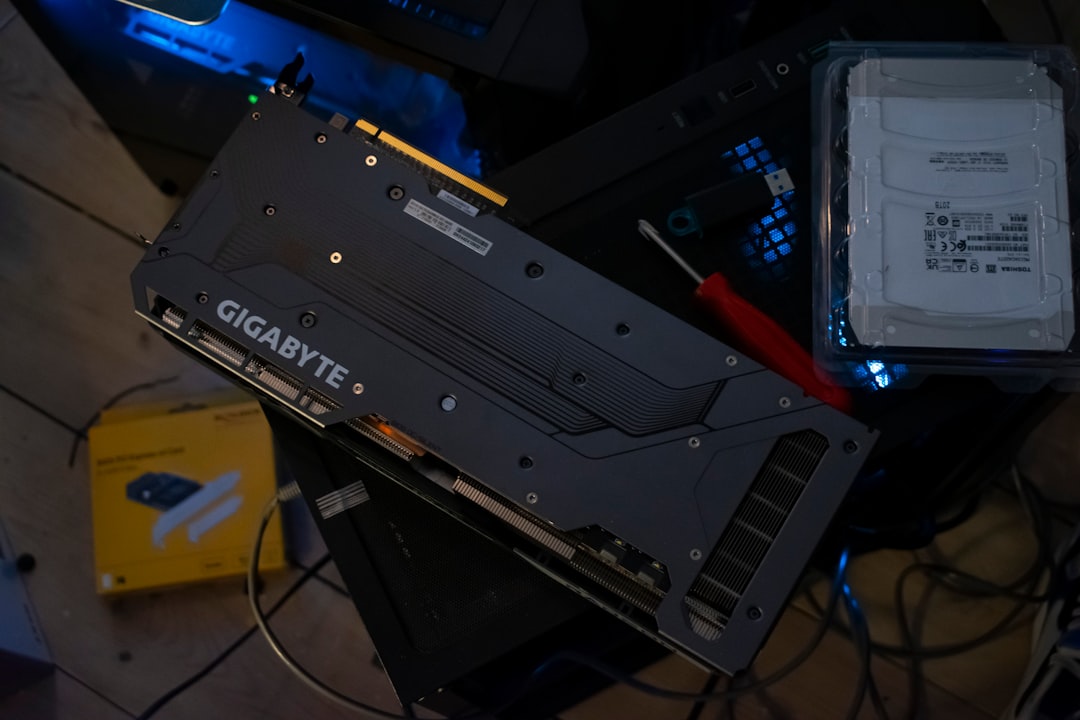
- Gigabyte GPUs
- Zotac GPUs
- EVGA GPUs
- PNY GPUs
- And many others
The brand of the board partner generally does not matter. What matters more is:
- GPU chipset (NVIDIA or AMD)
- Driver compatibility
- Hardware-level limitations imposed by BIOS
So if you own a Gigabyte RTX 4070 or an ASUS RX 6800, MSI Afterburner will likely work just fine.
Does MSI Afterburner Work With Integrated Graphics?
In most cases, no. Integrated graphics solutions such as Intel UHD Graphics or AMD integrated APUs typically do not support MSI Afterburner’s overclocking features.
While some monitoring data may appear, you generally cannot:
- Adjust core clocks
- Change memory speeds
- Modify voltage
Integrated GPUs share system memory and have significantly different architecture constraints. Manufacturers usually lock down any serious tuning capabilities.
Comparison Chart: GPU Compatibility Overview
| GPU Type | Monitoring | Overclocking | Voltage Control | Compatibility Level |
|---|---|---|---|---|
| NVIDIA GTX/RTX (Modern) | Yes | Yes | Sometimes | High |
| AMD Radeon RX (Modern) | Yes | Yes | Sometimes | High |
| Older GPUs (Pre-2013) | Limited | Limited | Rare | Moderate to Low |
| Integrated Graphics | Limited | No | No | Low |
What Can Limit Compatibility?
Even if your GPU is technically supported, several factors can affect how well MSI Afterburner works:
1. Driver Restrictions
GPU manufacturers sometimes lock voltage or power tuning in newer drivers. Rolling back drivers can occasionally restore functionality, but this is not always recommended for stability and security reasons.
2. Laptop GPUs
Gaming laptops often have heavily restricted BIOS settings. While monitoring typically works, overclocking may be:
- Disabled entirely
- Limited by thermal constraints
- Locked by the laptop manufacturer
3. OEM Systems
Prebuilt desktops from major brands sometimes ship with locked-down GPUs. In such cases, MSI Afterburner may show data but refuse to apply changes.
4. BIOS and Hardware Limitations
Some graphics cards come with firmware-level restrictions that prevent voltage or power modification.

Is MSI Afterburner Safe to Use on Any GPU?
When used responsibly, MSI Afterburner is generally safe. The software does not automatically push unsafe settings. Instead, it gives users manual control.
To use it safely:
- Increase clock speeds gradually
- Stress test after each adjustment
- Monitor temperatures closely
- Stay within recommended voltage ranges
Modern graphics cards also include built-in safety mechanisms. If the card becomes unstable, the system will typically crash or reset before permanent damage occurs.
Why Is MSI Afterburner So Widely Compatible?
The reason comes down to how the software interacts with GPU drivers and hardware interfaces. MSI Afterburner uses low-level hardware access protocols that are largely standardized across NVIDIA and AMD GPUs.
This allows it to:
- Read telemetry data directly from the GPU
- Adjust performance parameters within permitted limits
- Display real-time statistics in games
Its inclusion of RivaTuner Statistics Server (RTSS) is another major advantage. RTSS powers the highly customizable on-screen display, which works across a vast range of applications and games.
When Should You Not Use MSI Afterburner?
There are scenarios where it may not be necessary or ideal:
- If you are satisfied with default GPU performance.
- If your system cooling is inadequate.
- If your laptop manufacturer explicitly warns against overclocking.
- If your GPU is already factory-overclocked and stable.
In some cases, built-in tools such as NVIDIA’s Performance Tuner or AMD Adrenalin may provide sufficient control without installing third-party software.
Final Verdict: Does MSI Afterburner Work With Any GPU?
MSI Afterburner works with most dedicated NVIDIA and AMD GPUs, regardless of brand. It does not require an MSI card and is widely compatible with modern graphics hardware. However, the level of control available depends on your specific GPU model, drivers, BIOS restrictions, and whether you’re using a desktop or laptop.
Integrated graphics and heavily locked OEM systems generally offer limited or no support. Still, for the vast majority of gaming desktops with dedicated GPUs, MSI Afterburner remains one of the most powerful, flexible, and reliable tuning tools available.
Whether you’re chasing higher frame rates, quieter fan curves, or simply want detailed real-time performance data, the odds are good that MSI Afterburner will work with your GPU—and help you get more out of it.