


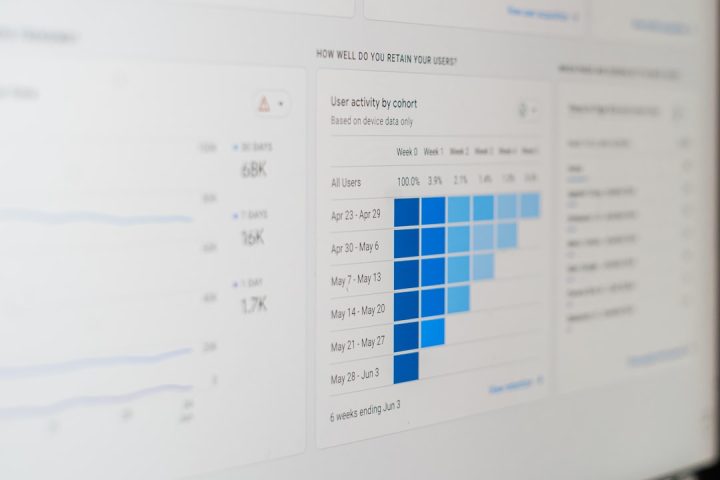
Project management software has evolved rapidly over the last few years, and in 2026, two platforms continue to dominate the conversation: ClickUp and Asana. Both tools promise streamlined workflows, better team collaboration, and increased productivity—but they approach those goals in different ways. Whether you’re a startup founder, enterprise manager, or remote team leader, choosing the right platform can significantly impact your organization’s efficiency and growth.
TLDR: ClickUp offers a highly customizable, feature-rich environment with competitive pricing and powerful built-in tools, making it ideal for teams wanting flexibility and value. Asana delivers a polished, intuitive experience with strong workflow automation and enterprise scalability. ClickUp often wins on features and affordability, while Asana excels in usability and clean design. The best choice depends on whether you prioritize depth and customization or simplicity and structure.
Overview: ClickUp and Asana in 2026
ClickUp has positioned itself as the “everything app for work,” combining tasks, docs, chat, goals, whiteboards, and automation into a single ecosystem. Since 2024, it has refined performance, improved its user interface, and expanded AI-powered productivity tools.
Asana, on the other hand, has maintained its reputation for simplicity and clarity. While adding AI automation and reporting enhancements, Asana continues to focus on structured workflows and enterprise-grade collaboration.
Before diving deeper, here’s a high-level comparison:
| Feature | ClickUp (2026) | Asana (2026) |
|---|---|---|
| Ease of Use | Moderate learning curve | Very intuitive |
| Customization | Highly customizable | Moderately customizable |
| Built-in Tools | Docs, Chat, Whiteboards, Time Tracking | Docs, Goals, Reporting |
| Automation | Advanced with AI support | Strong rule-based + AI |
| Pricing (Mid Tier) | More affordable | Higher cost per user |
| Best For | Flexible growing teams | Structured enterprise teams |
User Interface and Ease of Use
One of the biggest deciding factors is user experience.
Asana: Clean and Structured
Asana’s interface remains minimal, clean, and highly intuitive. Navigation is straightforward, with focused views like:
- List view
- Board view
- Timeline view
- Calendar view
For new users, Asana feels less overwhelming. Teams that prefer clarity over complexity tend to adapt quickly without extensive onboarding.
ClickUp: Power Through Customization
ClickUp provides almost limitless configuration options. From custom fields and statuses to workspace hierarchy (Spaces → Folders → Lists → Tasks), the platform offers granular control.
However, this flexibility comes at a cost: new users may experience a steeper learning curve.

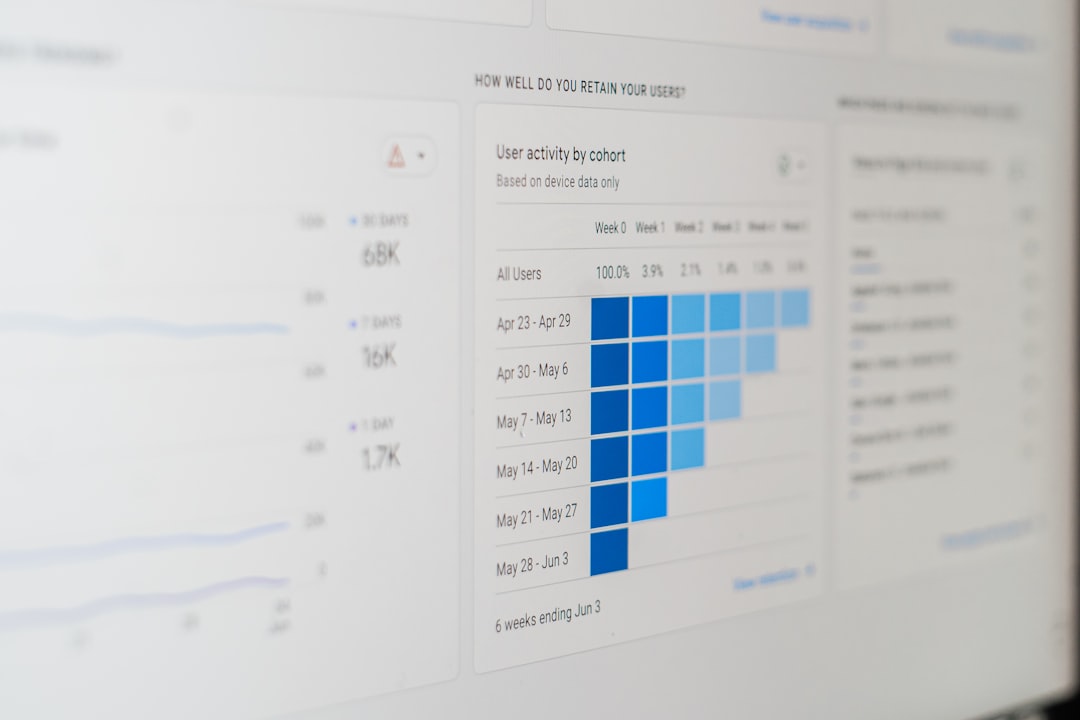
In 2026, ClickUp has improved onboarding flows and AI-guided setup, helping teams configure workflows automatically based on industry type.
Task Management Capabilities
Both tools excel in core task management, but their philosophy differs.
ClickUp Task Features
- Nested subtasks (multi-layer)
- Custom statuses
- Task dependencies
- Time estimates and time tracking
- Multiple assignees
- Built-in AI summaries
ClickUp is ideal for complex projects that require detailed breakdowns and cross-functional collaboration.
Asana Task Features
- Task dependencies
- Subtasks
- Milestones
- Workload management
- Portfolio tracking
Asana’s approach is structured and streamlined. While not as deeply customizable as ClickUp, it offers strong strategic-level visibility—especially for project managers.
Automation and AI Tools
Automation has become essential in 2026 productivity workflows.
ClickUp Automation
ClickUp provides:
- Rule-based automation triggers
- Custom automation builders
- AI task generation
- Automatic progress summaries
The AI assistant can recommend deadlines, assign tasks based on workload, and even draft documentation.
Asana Automation
Asana focuses on structured workflow automation:
- Rules-based triggers
- AI project insights
- Goal tracking automation
- Smart timeline adjustments
If your organization runs repeatable processes (like marketing campaigns or product launches), Asana’s automation feels polished and reliable.
Collaboration and Communication
Modern teams demand real-time collaboration.
ClickUp Collaboration Tools
- Built-in Chat (replacing external messaging tools)
- ClickUp Docs with real-time editing
- Whiteboards for brainstorming
- Screen recording (Clips)
ClickUp attempts to reduce the need for third-party tools by centralizing communication.
Asana Collaboration Tools
- Comment threads on tasks
- File attachments
- Asana Docs
- Goal alignment dashboards
While Asana does not focus heavily on chat replacement, it integrates seamlessly with Slack, Microsoft Teams, and Google Workspace.


Reporting and Analytics
Asana leads in executive-level reporting. Its portfolio dashboards allow leadership teams to track multiple projects at once with clear visual indicators.
ClickUp provides customizable dashboards with widgets, enabling users to build reports tailored to specific roles.
In essence:
- Choose Asana for strategic portfolio oversight.
- Choose ClickUp for granular, flexible reporting.
Integrations
Both platforms integrate with major tools, including:
- Google Workspace
- Microsoft 365
- Slack
- Zoom
- Zapier
- GitHub
In 2026, both tools offer 200+ native integrations. ClickUp has closed the gap that once favored Asana in this category.
Pricing Comparison (2026)
Pricing is often the deciding factor for small and mid-sized teams.
ClickUp Pricing
- Free Forever Plan: Generous features for small teams
- Unlimited Plan: Budget-friendly per user
- Business Plan: Advanced automation and reporting
- Enterprise: Custom pricing
ClickUp remains one of the best value platforms considering the number of built-in tools.
Asana Pricing
- Basic (Free): Limited features
- Starter: Core workflow tools
- Advanced: Reporting and automation
- Enterprise+: Advanced security and compliance
Asana’s paid tiers generally cost more per user than ClickUp, especially at scale.
Performance and Reliability
In previous years, ClickUp faced criticism for occasional lag. By 2026, major infrastructure upgrades have improved speed and reliability.
Asana has consistently maintained strong performance with minimal downtime, making it attractive for enterprise environments.


Pros and Cons
ClickUp Pros
- Exceptional customization
- All-in-one productivity suite
- Competitive pricing
- Strong AI integration
ClickUp Cons
- Learning curve
- Interface can feel crowded
Asana Pros
- Clean and intuitive design
- Strong workflow automation
- Excellent portfolio management
- Enterprise-ready infrastructure
Asana Cons
- Higher cost
- Fewer built-in tools compared to ClickUp
Who Should Choose ClickUp?
ClickUp is ideal if you:
- Want maximum flexibility
- Need built-in docs, chat, and whiteboards
- Are budget-conscious
- Manage complex, multi-layered projects
Who Should Choose Asana?
Asana is better suited if you:
- Value simplicity and clean design
- Focus on structured project workflows
- Need executive-level reporting
- Operate at enterprise scale
Final Verdict: ClickUp vs Asana in 2026
In 2026, both ClickUp and Asana are powerful, mature platforms capable of transforming team productivity. ClickUp stands out for its versatility and cost-efficiency, making it a compelling choice for fast-growing or tech-savvy teams. Asana excels in ease of use, workflow clarity, and enterprise-level reporting.
The decision ultimately comes down to your team’s working style. If you want an all-in-one powerhouse with deep customization, ClickUp is hard to beat. If you prefer elegance, simplicity, and structured execution, Asana remains one of the most reliable project management tools available.
Either way, the future of work in 2026 is smarter, more automated, and more collaborative than ever—and both tools are leading that transformation.