
RoomGPT is the best pick for quick AI room prompt experiments, Planner 5D is better for serious layout planning, and Homestyler is strongest when you need polished visuals for clients or renovation decisions. The smart choice depends on whether you want speed, control, or presentation quality. Planner 5D also reports more than 100 million users, which helps explain why it feels more complete as a planning platform [source: Planner 5D].
TLDR: Use RoomGPT if you have one room photo and want design ideas in minutes. Use Planner 5D if you need floor plans, furniture placement, and more control over measurements. Use Homestyler if you want attractive 3D renders and mood-board style results. For example, a homeowner testing 10 living room styles may finish faster in RoomGPT, while a remodeler planning a 650 sq ft apartment will get more useful detail from Planner 5D.

Quick comparison
| Tool | Best for | Main weakness |
|---|---|---|
| RoomGPT | Fast room restyling from photos | Limited layout control |
| Planner 5D | Floor plans, room design, renovation planning | Can feel slow if you only want quick inspiration |
| Homestyler | 3D renders, client visuals, polished concepts | Some tools take time to learn |
RoomGPT: best for fast prompt-based room ideas
RoomGPT is the easiest tool to explain. Upload a photo. Pick a style. Generate new room ideas. That is the appeal. It works well for people who do not want to build a floor plan or measure walls.
It is useful for prompts such as:
- “Turn this small bedroom into a warm Scandinavian space.”
- “Redesign this living room in a modern Japandi style.”
- “Make this home office brighter, cleaner, and more minimal.”
The results are quick and good for direction. You may see color palettes, furniture themes, lighting ideas, and new decor styles. For early brainstorming, that is enough.
The catch is accuracy. RoomGPT may change fixed items like windows, doors, ceiling height, or built-in units. That can be annoying if you need practical renovation guidance. It also gives less control over object placement than Planner 5D or Homestyler.
Choose RoomGPT if: you want inspiration fast, you have a clear room photo, and you are not ready to plan exact dimensions.
Planner 5D: best for real planning and layouts
Planner 5D is better when the project moves past “What style do I like?” and into “Will this sofa fit?” It supports 2D plans, 3D views, furniture placement, and interior design features that feel closer to actual project planning.
This makes it useful for apartments, full-room redesigns, and renovation prep. You can test traffic flow, wall positions, and furniture scale. That matters. A beautiful AI image is less helpful if the dining table blocks a doorway.
Good prompts and tasks for Planner 5D include:
- “Create a compact studio layout with sleeping, dining, and work zones.”
- “Design a family kitchen with more storage and a breakfast area.”
- “Plan a 12 by 14 foot bedroom with a queen bed and two wardrobes.”
Honestly, it feels like Planner 5D asks for more effort at the start. You may spend 10 to 20 minutes setting up a room before the fun begins. But that time is not wasted if you need a design you can act on.
Choose Planner 5D if: you care about dimensions, layout, furniture scale, and renovation choices.
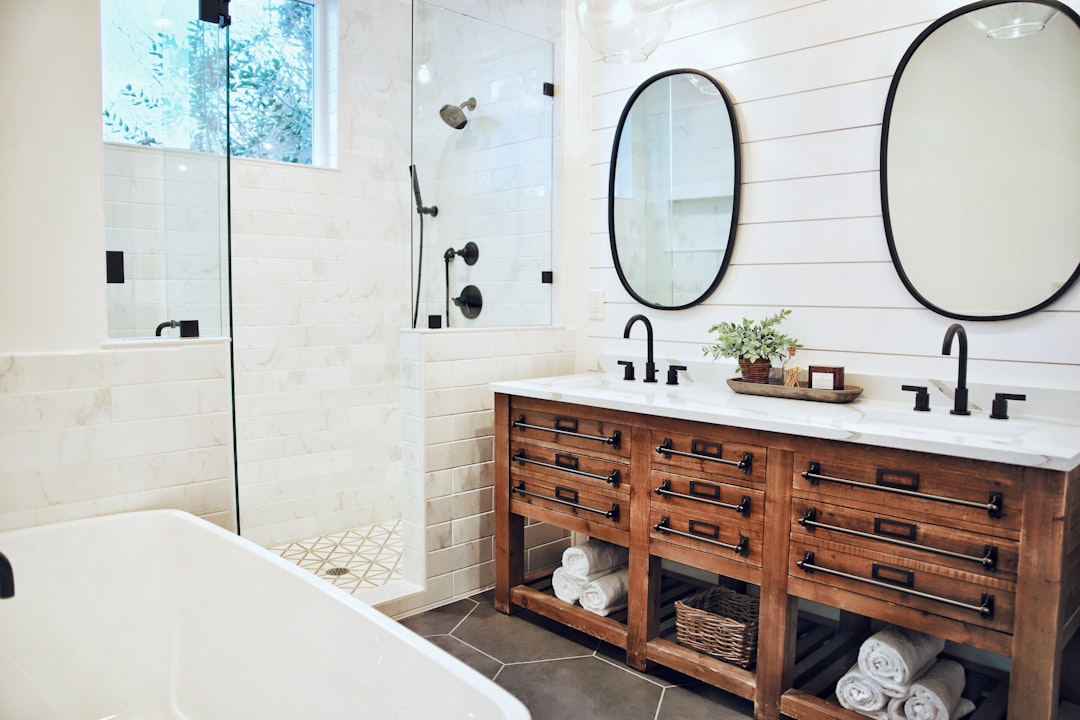
Homestyler: best for polished 3D presentations
Homestyler sits between quick inspiration and full design planning. It is strong for 3D room design, rendering, and presentation. If you want a room concept that looks clean enough to share with a client, partner, landlord, or contractor, Homestyler is a strong option.
It works well for users who care about style quality. Materials, lighting, and furniture choices tend to look more finished than basic AI restyle tools. This helps when comparing two design routes, such as warm minimalism versus classic contemporary.
Useful Homestyler prompt ideas include:
- “Create a luxury hotel style bedroom with soft lighting and neutral fabrics.”
- “Design a modern open-plan living room with wood accents and black metal details.”
- “Make a client-ready 3D concept for a small café interior.”
Expect to waste time on small adjustments. Moving items, testing finishes, and tuning the view can take longer than expected. On more detailed renders, even a short wait feels longer when you just changed one chair or lamp.
Choose Homestyler if: you need attractive visuals, detailed 3D scenes, or presentation-ready room concepts.
Which tool gives the best AI prompts?
RoomGPT is best for simple style prompts. Keep them short and visual. Mention the room type, style, mood, and one or two limits. For example: “Redesign this small living room in a cozy modern style, keep the gray sofa, add warm lighting.”
Planner 5D works better when prompts include size, purpose, and practical needs. For example: “Plan a narrow kitchen for two adults, add storage, keep a clear walkway, use light oak cabinets.”
Homestyler responds best to prompts with visual detail. Include materials, lighting, color, and finish level. For example: “Create a calm master bedroom with beige linen, walnut furniture, soft wall lights, and a premium hotel feel.”
Final recommendation
If you are choosing only one, pick based on the job. RoomGPT is the fastest idea generator. Planner 5D is the most practical for planning. Homestyler is the best for polished room visuals.
For most homeowners, the smartest workflow is simple: start with RoomGPT for style direction, move to Planner 5D for layout checks, then use Homestyler if you need a nicer visual to share. That way, you avoid pretty pictures that cannot work in the real room.