


Creating product visuals used to be slow, expensive, and honestly… a little boring. You needed photographers, studio space, lighting gear, and lots of patience. Not anymore. Today, video mockup tools can place your product into realistic scenes within minutes. They render fast, look professional, and help brands tell better stories without breaking the bank.
TLDR: Video mockup tools let you showcase products in realistic environments without hiring a film crew. They are fast, easy to use, and perfect for social media, websites, and ads. Tools like Placeit, Smartmockups, Renderforest, Viddyoze, and Motion Array stand out for speed and scene quality. Pick the one that fits your workflow, budget, and creativity level.
Let’s dive into five awesome tools that make product showcasing simple and fun.
1. Placeit
Best for beginners and fast results.
Placeit is one of the most popular mockup tools online. And for good reason. It is extremely easy to use. You do not need design experience. You do not need editing skills.
Just upload your design. Choose a video scene. Hit render.
Done.
Placeit offers:
- Product video mockups for phones, laptops, apparel, packaging
- Realistic lifestyle environments
- Fast cloud rendering
- Drag and drop simplicity
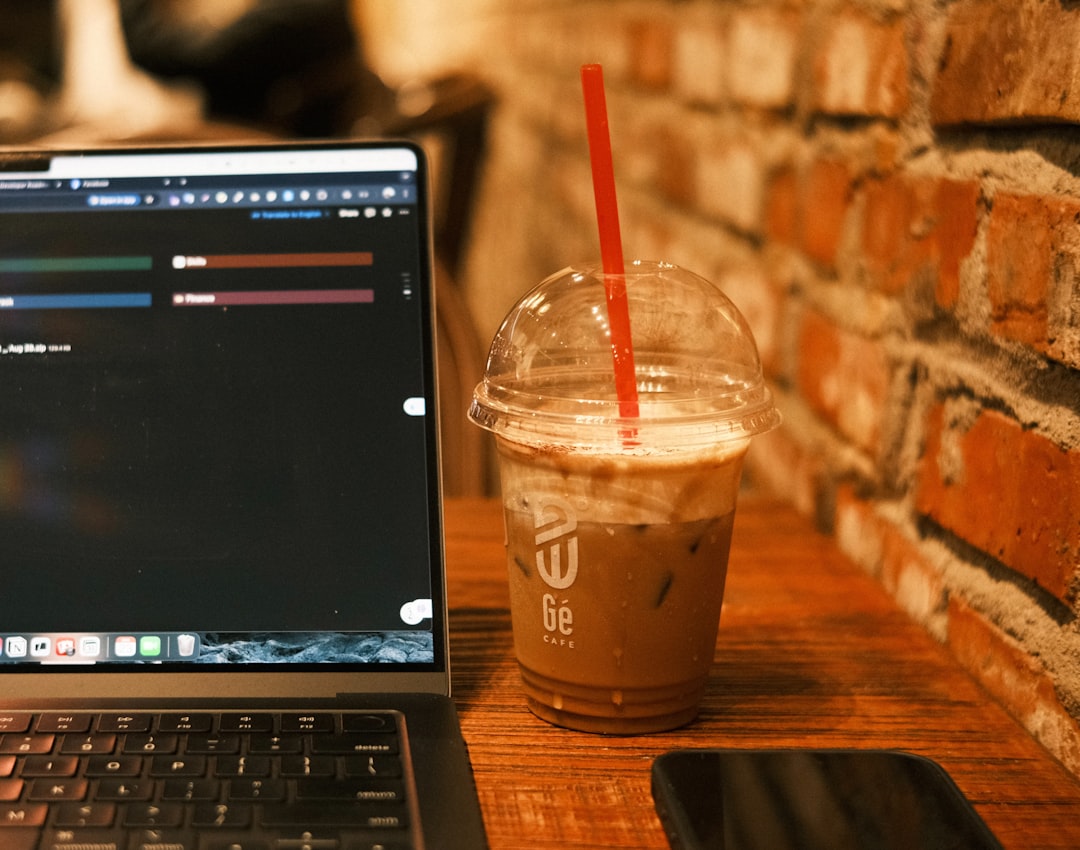
The scenes feel natural. You will see hands holding phones. Models wearing shirts. People working on laptops in cozy cafés.

This makes your product look alive. Not flat. Not boring.
Why people love it:
- No software download
- Huge template library
- Beginner friendly interface
Downside? Customization can be limited if you want deep control. But for speed and simplicity, it is hard to beat.
2. Smartmockups
Best for clean, professional product videos.
Smartmockups focuses on simplicity and realism. It integrates nicely with design platforms like Canva.
The strength here is clean product placement. If you sell:
- Apps
- Digital products
- Websites
- Brand designs
This tool shines.
The environments feel modern and minimal. Think bright desks. Organized workspaces. Stylish interiors.
Uploading your design is quick. Adjusting perspective is simple. Rendering is fast.
What makes it special?
- High resolution outputs
- Realistic reflections and shadows
- Works smoothly for tech products
It may not have as many lifestyle-heavy animated scenes as some others. But if you want elegant and polished, it delivers beautifully.
3. Renderforest
Best for animated product storytelling.
Renderforest is more than a mockup tool. It is a full video creation platform. That means more creative freedom.
You can combine:
- Animated intro sequences
- 3D product mockups
- Text effects
- Music and voiceovers
This is great if you are building promotional videos. Especially for ads and product launches.

The templates feel dynamic. Your product can rotate. Slide into view. Zoom dramatically.
This movement creates excitement. And excitement sells.
Strengths:
- Flexible video editing
- Wide template variety
- Brand-friendly customization
Important note: More features mean slightly more learning. But it is still beginner accessible.
If you want mockups plus storytelling power, this is a strong option.
4. Viddyoze
Best for high-impact 3D mockup animations.
Viddyoze focuses on dramatic visual effects. It is made for marketers. Especially those running ads.
It specializes in:
- 3D intros
- Logo animations
- Device mockups
- Promo videos
The rendering engine is fast. Most templates auto-generate your video after simple input.
Upload. Customize text. Render.
The finished result looks like you hired an animation studio.
Why marketers love Viddyoze:
- High energy visuals
- Great for Facebook and YouTube ads
- Strong 3D realism
The tradeoff? It is less about calm lifestyle scenes and more about bold, promotional energy.
If you want attention-grabbing product showcases, Viddyoze delivers punch.
5. Motion Array
Best for creators who want deeper customization.
Motion Array is different. It is more of a creative marketplace and template platform. You get access to:
- After Effects templates
- Premiere Pro templates
- Stock video footage
- Professional mockup animations
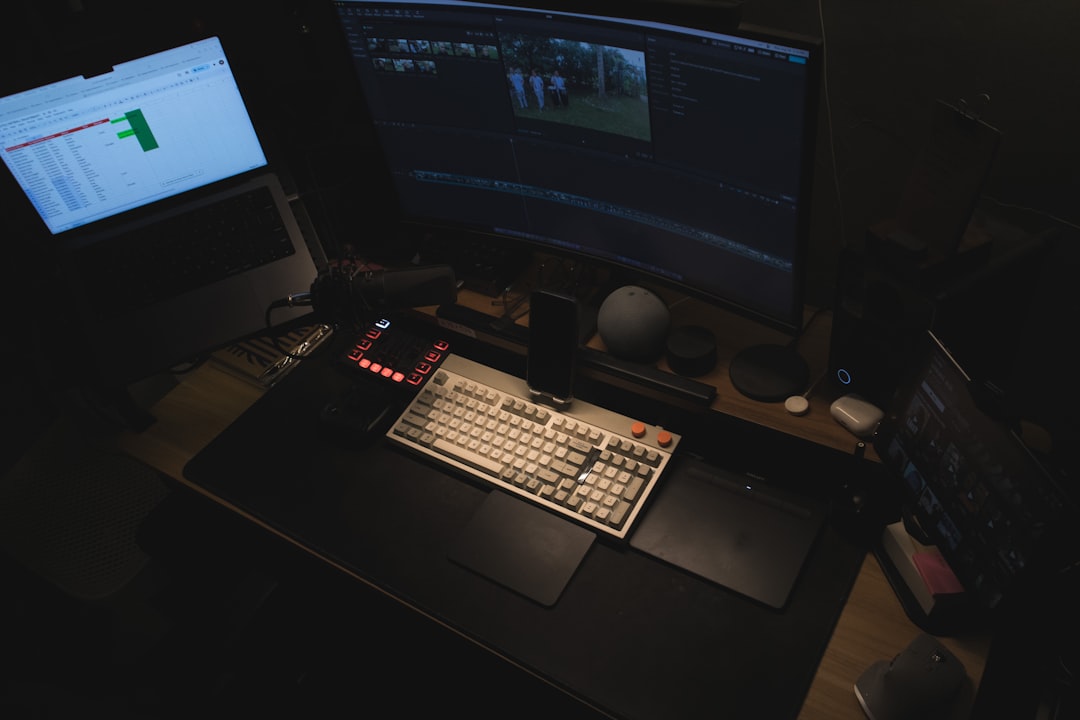
This tool is for people comfortable with editing software.
You get realistic scenes. Beautiful lighting. Cinematic depth.
But you also get control.
You can modify animation timing. Change camera angles. Adjust lighting effects.
Perfect for:
- Agencies
- Video editors
- Advanced creators
Rendering speed depends on your computer. Since many templates require local editing.
Still, the flexibility can be worth it.
Quick Comparison Chart
| Tool | Best For | Ease of Use | Rendering Speed | Customization Level |
|---|---|---|---|---|
| Placeit | Beginners and quick lifestyle mockups | Very Easy | Fast (Cloud Based) | Low to Medium |
| Smartmockups | Clean professional product visuals | Easy | Fast | Medium |
| Renderforest | Animated promo videos | Moderate | Fast | Medium to High |
| Viddyoze | High impact 3D ads | Easy | Very Fast | Medium |
| Motion Array | Advanced video creators | Moderate to Advanced | Depends on hardware | High |
What Makes a Great Video Mockup Tool?
Now that you know the top players, let’s talk about what truly matters.
1. Realism
Shadows. Reflections. Natural movement. These small details make a huge difference. The more realistic the scene, the more trustworthy your product feels.
2. Speed
Marketing moves fast. You need tools that render quickly. Cloud-based tools are usually the fastest.
3. Simplicity
If a tool is confusing, you will not use it. Simple interfaces win.
4. Scene Variety
Different products need different environments. Tech products look good in workspaces. Apparel shines in lifestyle shots. Food products need dining settings.
5. Export Quality
Your video should look crisp on websites and social platforms. High resolution outputs are important.
How to Choose the Right One
Still unsure? Ask yourself these quick questions:
- Do I need speed or creative control?
- Am I creating ads or website visuals?
- Do I want lifestyle scenes or bold animations?
- What is my budget?
If you want fast and easy, go with Placeit.
If you want clean and minimal, try Smartmockups.
If you want storytelling power, explore Renderforest.
If you want attention and energy, pick Viddyoze.
If you want full creative control, choose Motion Array.
Final Thoughts
Video mockups are powerful. They save money. They save time. And they make products look real.
Instead of static images, you can show your app being used. Your shirt being worn. Your packaging rotating in 3D space.
This builds emotion. And emotion drives sales.
The best part? You no longer need a film studio. Just your product design and the right tool.
Pick one. Experiment. Have fun with it.
Because in today’s world, if your product does not move… it gets ignored.
So make it move.